
The default starting point for millions of WordPress sites, pairing on-page analysis and technical defaults with newer AI-friendly content tools.
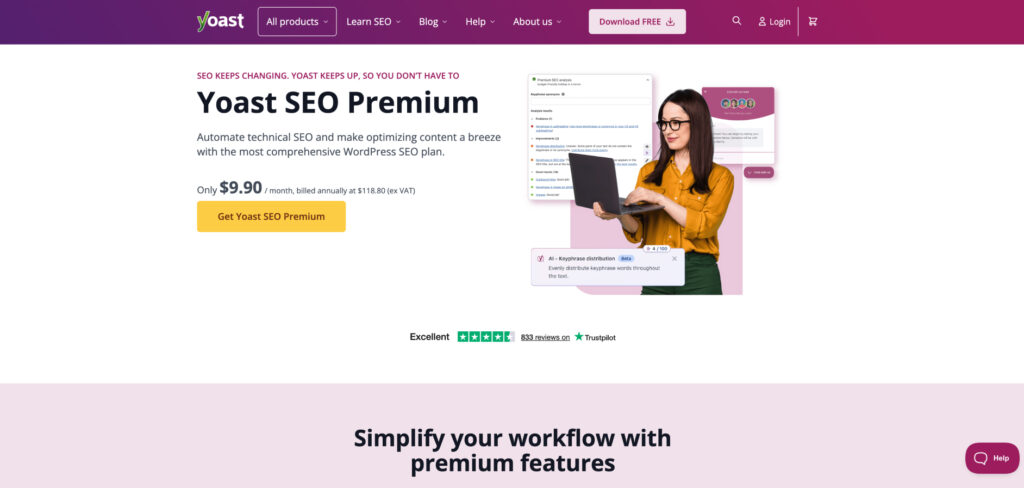
Pricing: Free version available · Premium $99/year per site · plans for multiple sites and add-ons (Local, News, Video, WooCommerce) sold separately · 14-day refund window
Yoast is the plugin most people install first, and in 2026 it is still the safest all-rounder for WordPress. Its real-time content and readability analysis walks writers through a focus keyphrase, meta description, and internal-link suggestions, while the technical side quietly handles XML sitemaps, canonical tags, and clean schema output so your pages are easy for both Google and AI answer engines to parse.
The headline this year is the AI layer: Yoast can now generate titles and meta descriptions with a click and flag thin or off-intent sections before you publish. Premium adds the redirect manager, multiple focus keyphrases, and internal-linking suggestions that genuinely save time on larger sites. For most blogs and business sites, the free tier already covers the fundamentals well.
The trade-offs are cost stacking and a famously opinionated interface. The per-site Premium price climbs quickly across a portfolio, several useful features are paid add-ons rather than part of the core plugin, and the green-light scoring can nudge writers toward formulaic copy if taken too literally.
Consider Yoast SEO if:
Skip Yoast SEO if:
A feature-dense Yoast alternative that packs schema, redirects, and analytics into the free tier and leans hard into AI-assisted optimization.
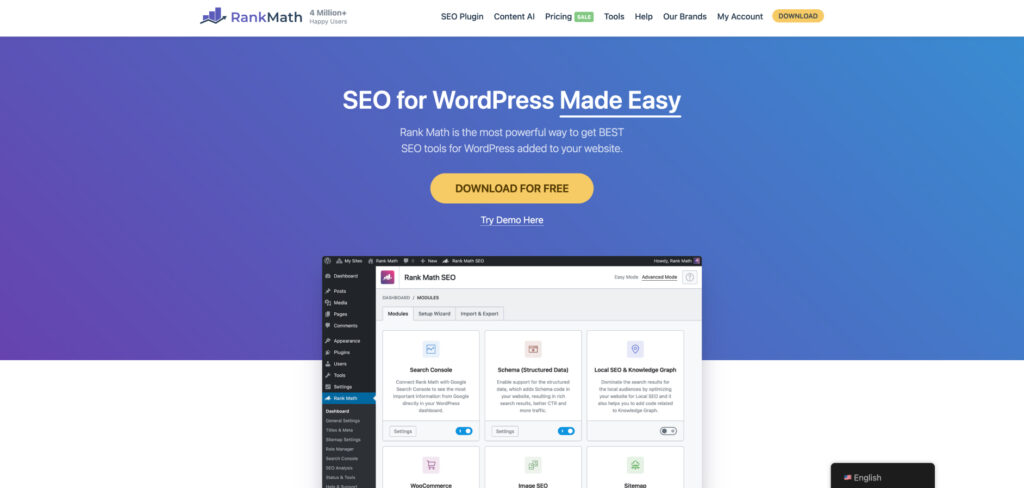
Pricing: Free version available · PRO $7.99/mo (billed annually, unlimited personal sites) · Business and Agency tiers add Content AI credits and client seats · money-back guarantee
Rank Math has become the go-to for users who want more control without paying more upfront. Much of what Yoast reserves for Premium — multiple focus keywords, a redirect manager, rich schema types, and 404 monitoring — sits in Rank Math’s free version, and the setup wizard gets a tuned configuration in place in minutes.
Its 2026 calling card is Content AI, which scores drafts against the terms and questions competing pages cover and suggests improvements as you write, plus AI-generated titles, descriptions, and schema. The module-based design lets you switch off what you don’t need, which keeps a heavy plugin from bloating your site. The flip side is that the sheer density of settings can overwhelm newcomers who just want sensible defaults.
Consider Rank Math if:
Skip Rank Math if:
A polished all-in-one plugin with strong WooCommerce, local, and link-assistant features, built for people managing client sites at scale.
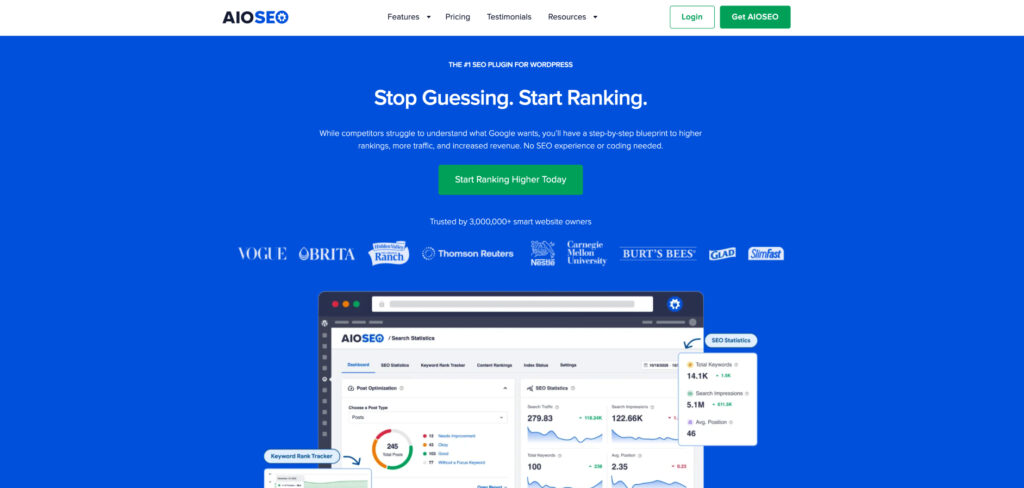
Pricing: Free version available · Plus $124.60/year · Pro $199.60/year · Elite $299.60/year (more sites and features) · first-year intro pricing, renews higher
AIOSEO is the all-rounder that agencies and ecommerce owners tend to settle on once a site gets complex. It bundles a smart setup wizard, on-page TruSEO analysis, a link assistant that surfaces internal-linking opportunities across your whole library, and deep WooCommerce SEO for product pages — areas where a single general plugin often falls short.
In 2026 it has added AI-assisted title and description generation and richer schema controls, and its multisite handling and per-client licensing make it comfortable to deploy across a portfolio. The main catch is the pricing structure: the attractive figure is usually first-year intro pricing that renews higher, and the most useful features sit in the upper tiers.
Consider All in One SEO (AIOSEO) if:
Skip All in One SEO (AIOSEO) if:
An AI-powered internal-linking tool that suggests relevant links as you write and audits orphaned pages across your whole site.
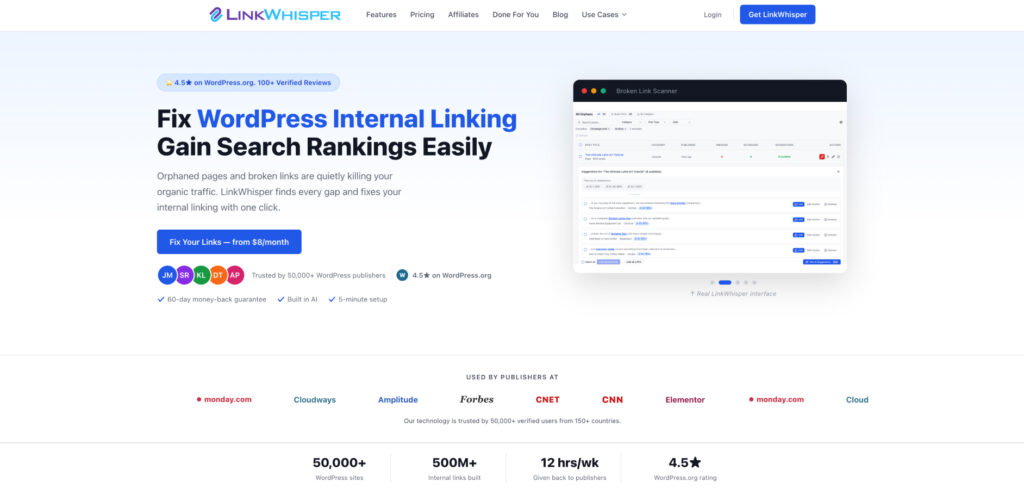
Pricing: Single site $97/year · Multi-site (3) $147/year · Professional (10) $247/year · 30-day money-back guarantee
Internal linking is one of the highest-leverage, most-neglected parts of WordPress SEO, and Link Whisper exists to fix exactly that. As you draft, it reads your content and proposes relevant internal links to your existing posts, then lets you add several at once instead of hunting through old articles by hand.
Its reporting side is just as useful: it flags orphaned posts with no inbound links, shows which pages are over- or under-linked, and surfaces broken links to clean up. In an AI-search world where models reward clearly structured, well-connected content, a tight internal-link graph helps both crawlers and answer engines understand your site. It is a focused add-on rather than a full SEO suite, so it complements Yoast or Rank Math rather than replacing them.
Consider Link Whisper if:
Skip Link Whisper if:
The most beginner-friendly caching and performance plugin, tuning page speed and Core Web Vitals with sensible defaults and almost no configuration.
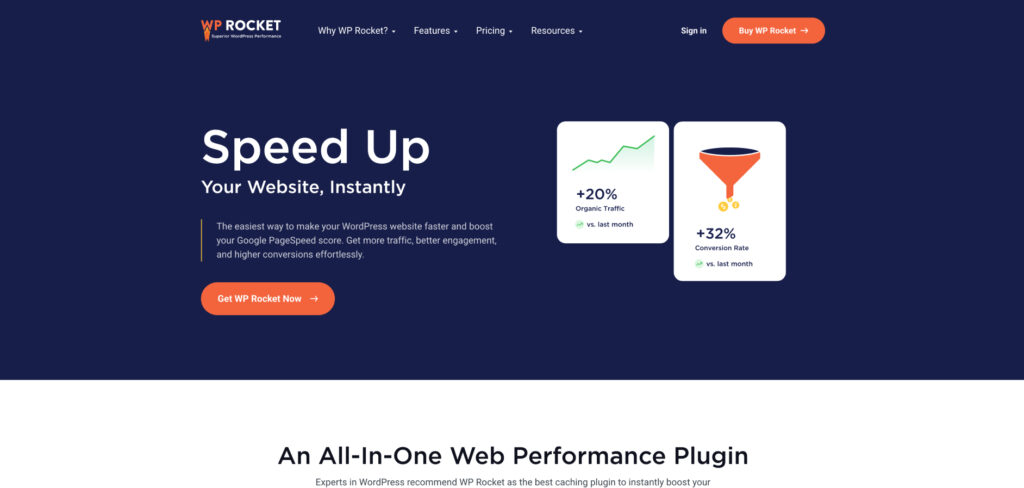
Pricing: Single site $59/year · Plus (3 sites) $119/year · Infinite (unlimited) $299/year · renews at full price · 14-day money-back guarantee
Speed is a ranking and user-experience factor, and Core Web Vitals feed directly into how Google judges your pages — so a fast site is now part of SEO, not separate from it. WP Rocket is the performance plugin most people recommend precisely because it works well out of the box: switch it on and it applies page caching, GZIP compression, and cache preloading without you touching a single advanced setting.
From there you can layer in lazy loading, deferred JavaScript, and CSS optimization to chip away at largest contentful paint and layout shift. It pairs cleanly with image optimizers and a CDN, and its defaults rarely break a site the way aggressive free caching plugins sometimes do. It is premium-only with no free tier, which is the main reason some users start elsewhere.
Consider WP Rocket if:
Skip WP Rocket if:
A SERP-driven content optimizer with a WordPress integration that gives writers real-time, data-backed guidance on terms, headings, and length.

Pricing: Essential $99/mo ($79/mo annual) · Scale $219/mo ($175/mo annual) · WordPress and Google Docs integrations included · 7-day money-back guarantee
Surfer isn’t a WordPress plugin in the classic sense, but its integration drops a live optimization score right into your editing workflow, which is why content teams on WordPress lean on it. It analyzes the pages currently ranking for your target term and tells you which topics, headings, and entities to cover to compete — turning guesswork into a checklist.
As search shifts toward AI Overviews and answer engines, optimizing for topical completeness rather than keyword density matters more than ever, and Surfer’s guidance pushes writers in exactly that direction. Its content editor, AI drafting, and audit tools shorten the research-to-publish loop, though the monthly cost is hard to justify if you only publish occasionally.
Consider Surfer SEO if:
Skip Surfer SEO if:
A dedicated structured-data plugin that adds rich, accurate schema across post types so your pages qualify for rich results and are easier for AI to parse.
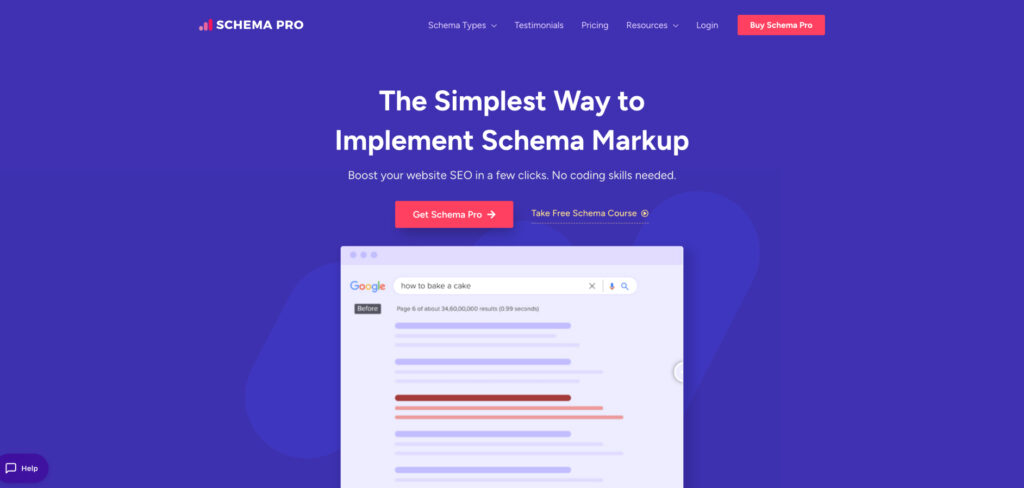
Pricing: Annual from $79/year · Lifetime option available · bundled in some Brainstorm Force plan tiers · 14-day refund policy
Structured data is how you tell search engines and AI models exactly what a page is — a recipe, a review, an FAQ, a product — and getting it right unlocks rich results and cleaner citations. While core SEO plugins output basic schema, Schema Pro specializes in mapping detailed structured data to your post types with minimal manual work.
You set up a schema type once, point its fields at your existing content or custom fields, and it applies consistently across matching pages. In 2026, as answer engines increasingly rely on structured signals to decide what to quote, that precision pays off. For most sites a general plugin’s schema is enough; Schema Pro earns its place when rich results are central to your strategy.
Consider Schema Pro if:
Skip Schema Pro if:
A free, battle-tested plugin for managing 301 redirects and monitoring 404 errors — essential housekeeping that protects rankings when URLs change.
Pricing: Free
Every site that lives long enough changes URLs — posts get renamed, structures get reorganized, products get retired — and each broken link leaks ranking signal and frustrates visitors. Redirection is the long-running free plugin that handles this cleanly, letting you create and manage 301 redirects without editing server files.
It also logs 404 errors so you can spot dead URLs that are still being visited and redirect them before they cost you traffic, and it can automatically redirect old links when you change a post’s slug. It is narrow by design and the logging can grow large on busy sites, but for most WordPress owners it is the simplest way to keep link equity intact for free.
Consider Redirection if:
Skip Redirection if:
An image compression and WebP/AVIF conversion plugin that shrinks file sizes to boost page speed without visibly degrading quality.

Pricing: Free tier (100 image credits/month) · paid one-time and monthly credit packs from a few dollars per month · unlimited plans available
Images are usually the heaviest thing on a WordPress page, and oversized files are one of the most common reasons sites fail Core Web Vitals. ShortPixel compresses your existing and newly uploaded images automatically and can serve next-gen WebP and AVIF formats, often cutting image weight dramatically while keeping them looking sharp.
It works quietly in the background, supports bulk optimization of your whole media library, and pairs naturally with a caching plugin and a CDN to round out a fast-loading site. The credit-based pricing is flexible but worth modeling against your upload volume, since image-heavy sites can burn through the free tier quickly.
Consider ShortPixel if:
Skip ShortPixel if:
Google’s official free plugin that brings Search Console, Analytics, and PageSpeed Insights data straight into your WordPress dashboard.
Pricing: Free
Every WordPress site should run Site Kit, full stop. It connects your site to Google’s own tools — Search Console, Analytics, and PageSpeed Insights — and surfaces the data inside your dashboard, so you can see which queries you rank for, which pages earn clicks, and where speed is dragging you down without bouncing between separate consoles.
Because it draws on first-party Google data, it is the most trustworthy free read on how your site actually performs in search, and as Google folds AI Overviews into results that performance data increasingly reflects AI-surfaced impressions too. It won’t optimize content or track ChatGPT and Perplexity, but paired with an SEO plugin and a content tool it forms a genuinely capable no-cost foundation.
Consider Site Kit by Google if:
Skip Site Kit by Google if: