

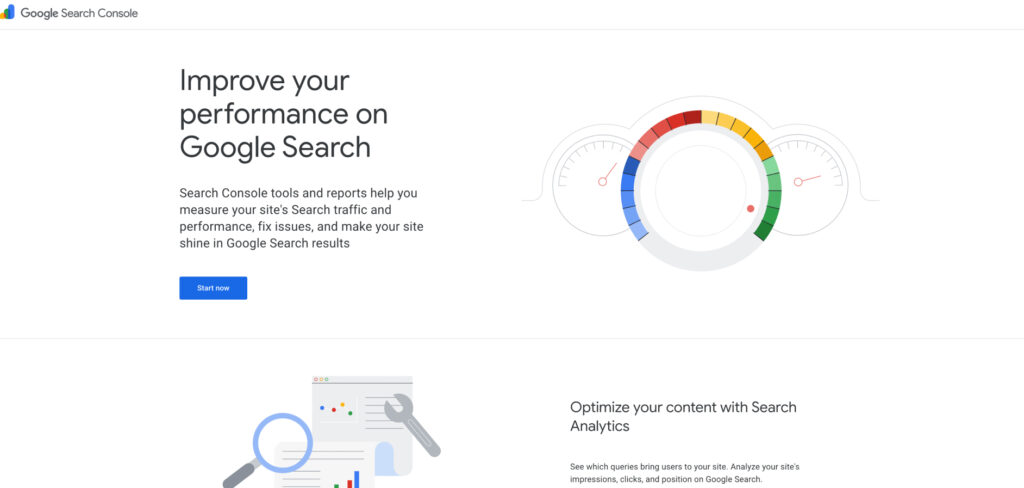
Free, first-party data straight from Google on how your site actually appears in search — the one tool every beginner should connect before anything else.
Pricing: Free
If you do only one thing when you start learning SEO, connect Google Search Console. It is the only tool that shows you Google’s own view of your site: which search queries you appear for, where you rank, how many people click, and which pages Google is having trouble indexing. None of the paid suites can replace that direct line to the source.
For a beginner it doubles as a free education. Watching which queries bring impressions teaches you what your audience actually searches for, and the coverage and Core Web Vitals reports point you straight at the technical problems worth fixing first. Setup takes a few minutes by verifying ownership through your host or a DNS record.
Consider Google Search Console if:
Skip Google Search Console if:
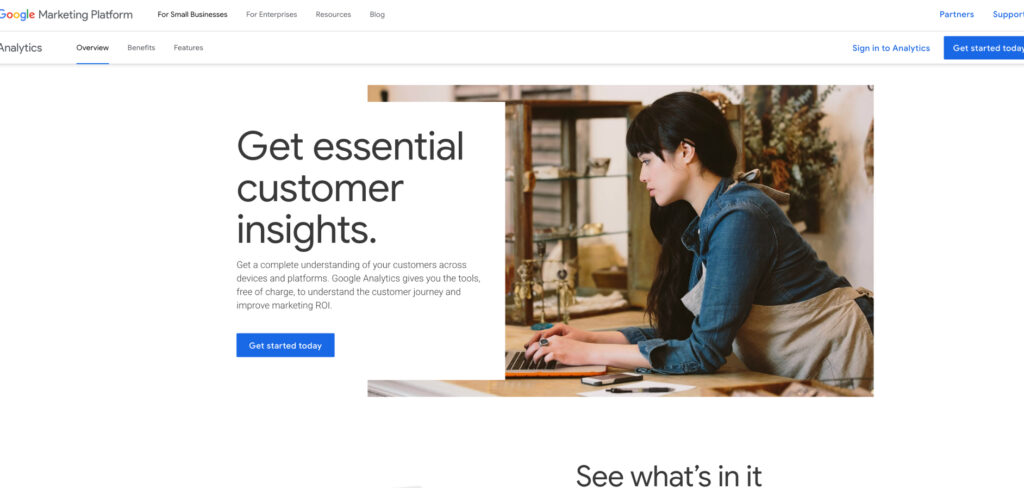
Google’s free analytics platform shows where your visitors come from and what they do once they arrive — the companion piece to Search Console.
Pricing: Free
Search Console tells you how people find you; Google Analytics 4 tells you what happens next. It tracks which channels drive traffic, which pages hold attention, and which content actually leads somewhere useful, so you can see whether your SEO work is translating into real engagement rather than just impressions.
GA4 has a steeper first hour than the old Universal Analytics, and its event-based model can feel abstract at first. But for a beginner the core reports — traffic acquisition, pages, and a handful of conversions — are enough to understand your audience without touching the advanced features, and it costs nothing to run.
Consider Google Analytics 4 if:
Skip Google Analytics 4 if:
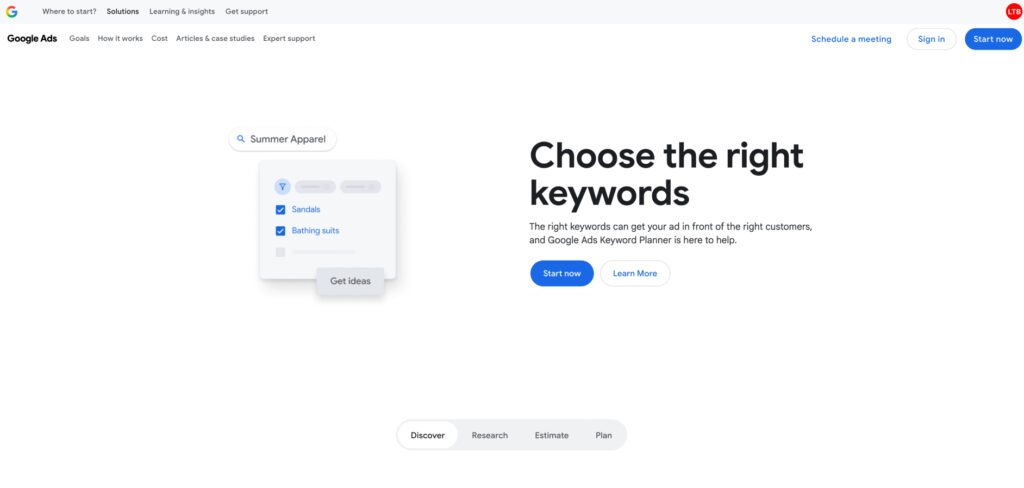
Keyword data pulled straight from Google Ads, including search volume ranges and competition — a credible, free way to learn keyword research.
Pricing: Free (requires a Google Ads account)
Keyword Planner was built for advertisers, but it remains one of the most reliable free ways to research search demand because the numbers come directly from Google. You can type in a topic and see related terms, rough monthly search volumes, and how competitive each one is, which is exactly the input a beginner needs to choose what to write about.
The catch is that it shows volume in broad ranges rather than precise figures unless you are running ads, and you have to create a free Google Ads account to use it. For learning the shape of a niche and spotting achievable, lower-competition keywords, though, it is hard to beat at the price.
Consider Google Keyword Planner if:
Skip Google Keyword Planner if:
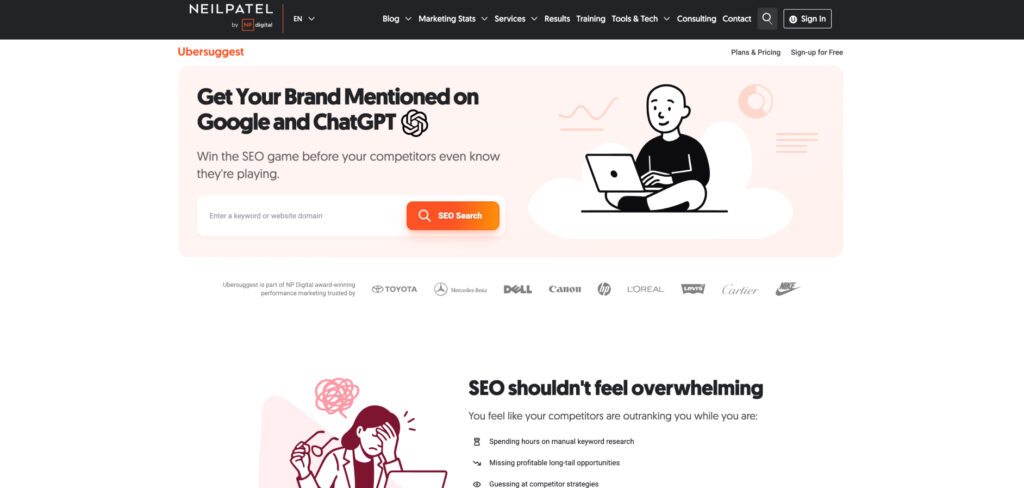
Neil Patel’s low-cost suite bundles keyword research, rank tracking, site audits, and backlink data into one approachable, wallet-friendly package.
Pricing: Individual from $12/mo · Business $20/mo · Enterprise $40/mo · lifetime deals from ~$290 · free version with 3 searches a day
Ubersuggest is the easiest on-ramp for a beginner who wants more than Google’s free tools but isn’t ready to pay enterprise prices. A single low monthly fee — or a one-time lifetime deal — covers keyword ideas, rank tracking, a site audit, and basic backlink analysis, all in a deliberately simple interface with plain-language recommendations.
The trade-off for that price is depth. Keyword-difficulty scores and backlink data are less precise than pricier tools, the dashboard nudges you toward Neil Patel’s other products, and the daily search limits fill up faster than you’d like. For foundational SEO on a tight budget, though, it covers the whole workflow for a fraction of the cost of Semrush or Ahrefs.
Consider Ubersuggest if:
Skip Ubersuggest if:
A five-tool suite built around KWFinder, widely regarded as the most intuitive keyword research tool for people who find Ahrefs and Semrush overwhelming.
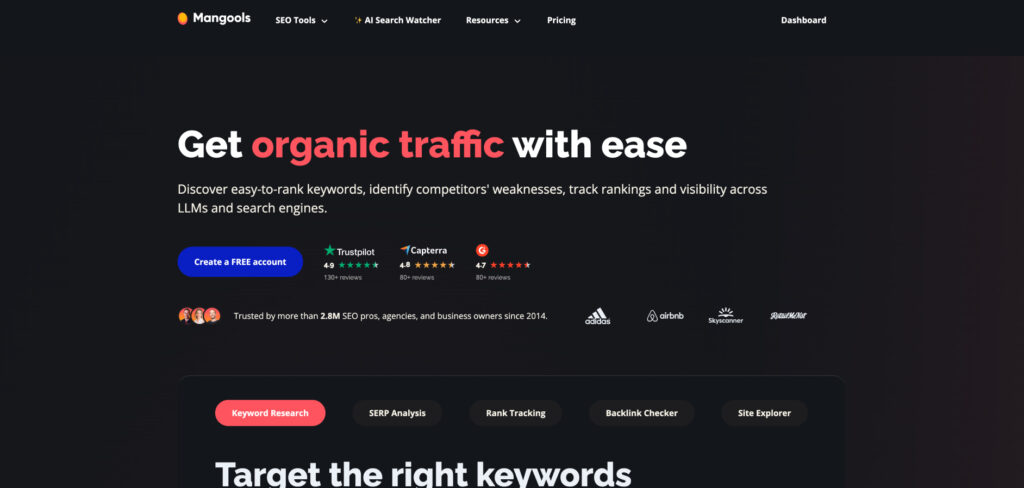
Pricing: Entry from ~$30/mo (~$19/mo billed annually) · 10-day free trial
Mangools wins beginners over with feel. KWFinder turns keyword research into something almost enjoyable — clean, color-coded results, a clear difficulty score, and just enough data to make a decision without drowning you in metrics. The bundle also includes SERPChecker, SERPWatcher for rank tracking, and tools for backlinks and site analysis.
It is not the deepest dataset on the market, and very large or aggressive link campaigns will eventually outgrow it. But for a solo creator or small business learning how keywords, competition, and rankings fit together, the gentle interface and honest pricing make it one of the least intimidating ways to get serious about SEO.
Consider Mangools if:
Skip Mangools if:
A genuinely full-featured SEO platform — keyword research, rank tracking, audits, and competitor analysis — at a price a beginner can grow into.
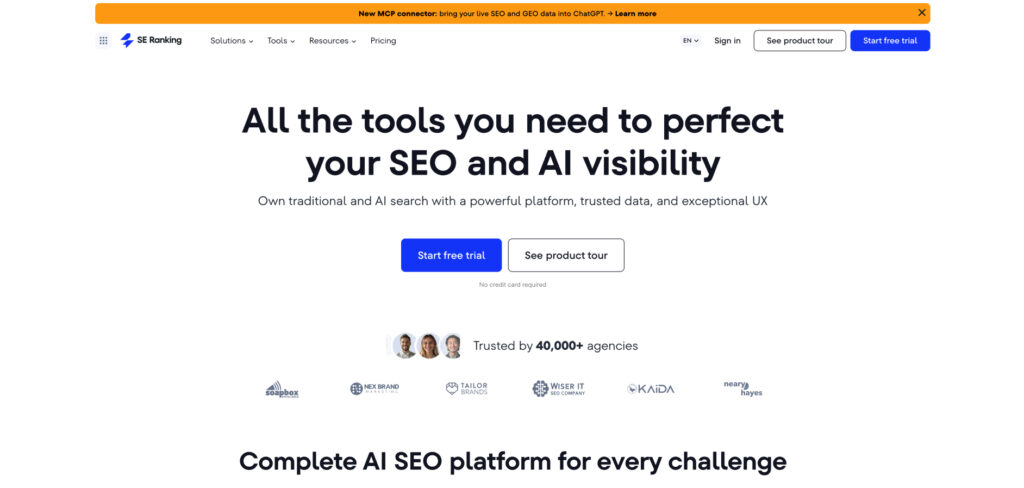
Pricing: Essential from ~$65/mo (~$52/mo billed annually) · higher tiers scale by keywords · 14-day free trial
SE Ranking is the tool for the beginner who knows they’re serious. It delivers reliable daily rank tracking, understandable technical audits, keyword research, and competitor analysis without locking the essentials behind expensive tiers the way some rivals do. The guided project setup walks you through configuration so you’re not staring at an empty dashboard.
What makes it a good graduation step from free tools is that it turns data into clear, prioritized tasks rather than raw numbers. It costs more than Ubersuggest or Mangools, but you get a more complete and accurate toolkit — the kind of platform you can keep using as your site and ambitions grow.
Consider SE Ranking if:
Skip SE Ranking if:
You only need keyword ideas. A focused research tool is simpler if that’s all you do.
A WordPress plugin that handles on-page SEO — titles, meta descriptions, schema, and indexing — with simple, color-coded feedback and almost no learning curve.
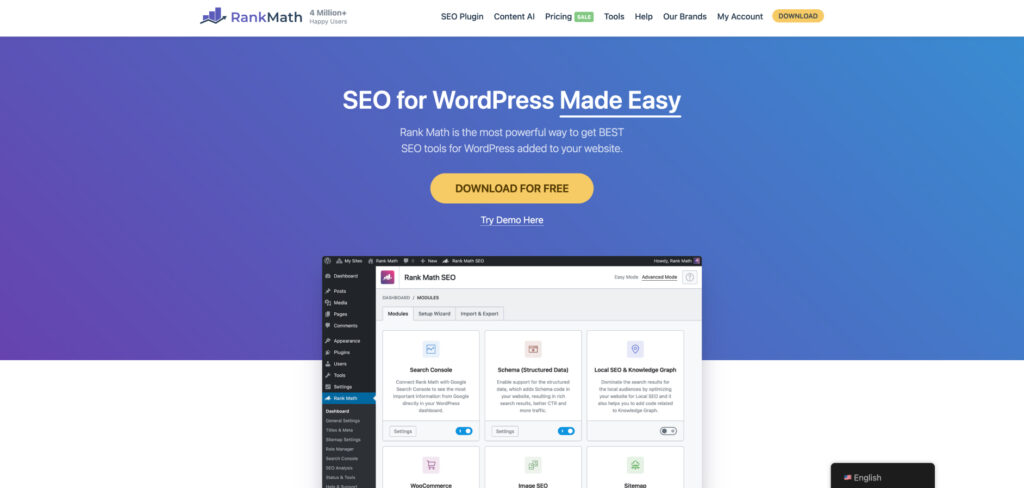
Pricing: Free · Pro from ~$6.99/mo (billed annually) · Business ~$20.99/mo
If your site runs on WordPress, an SEO plugin does the on-page housekeeping for you, and Rank Math has become the favorite for beginners thanks to a generous free tier. It lets you set titles and meta descriptions, add structured data, and control indexing with a few clicks, then scores each post against your target keyword in plain, traffic-light feedback.
Setup takes minutes and requires no code. Yoast SEO is the long-standing alternative and works much the same way, but many WordPress users now prefer Rank Math for the slightly richer features it gives away for free. Either way, a plugin like this quietly enforces the on-page basics so you can focus on writing.
Consider Rank Math if:
Skip Rank Math if:
An all-in-one suite that turns SEO into a game — missions, a health score, and a value metric — designed to keep beginners motivated and moving.
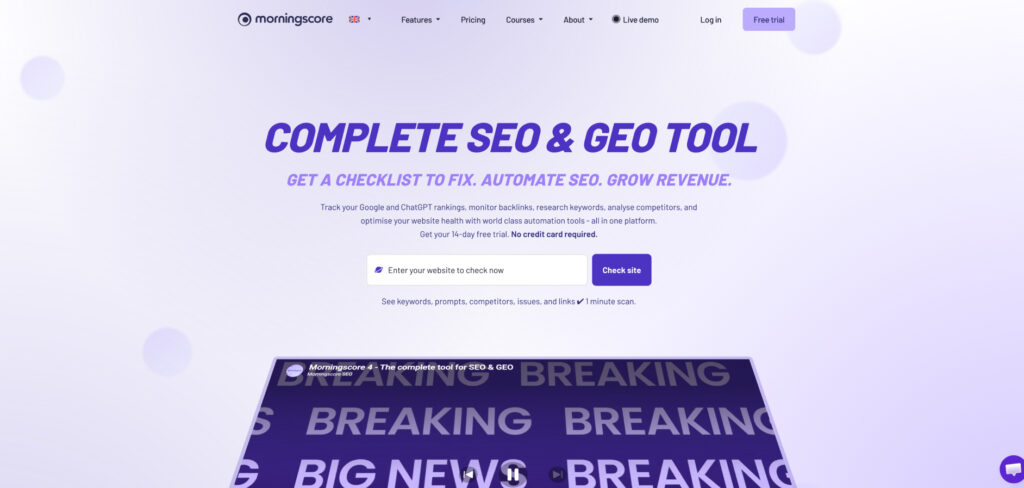
Pricing: From ~€59/mo · higher tiers scale by keywords · free trial
Morningscore tackles the real reason beginners give up: SEO is slow and the dashboards are dull. It wraps keyword research, rank tracking, audits, and link tools in a game-like interface, handing you missions to complete and a single score that rises as your site improves, so progress feels tangible week to week.
Underneath the playful layer is a capable toolkit that estimates the monetary value of your traffic — a surprisingly motivating way to see SEO pay off. It is pricier than the bargain options, but for someone who needs structure and momentum rather than a wall of metrics, the guided approach earns its keep.
Consider Morningscore if:
Skip Morningscore if:
Analyzes the top-ranking pages for your keyword and gives writers real-time, color-coded guidance on terms, headings, and length as they write.

Pricing: Essential $99/mo ($79/mo billed annually) · Scale $219/mo · 7-day money-back guarantee
Once you can find keywords, the next hurdle is writing pages that actually rank — and Surfer makes that approachable. It studies the pages already ranking for your term and turns the patterns into a live score as you draft, so even a non-expert can see which topics, headings, and length tend to correlate with strong rankings.
Its Google Docs and WordPress integrations keep the workflow tight, and the guidance pushes you toward covering a topic thoroughly rather than stuffing keywords. It’s the priciest content tool a beginner is likely to reach for, but it shortens the gap between “I have a keyword” and “I have a page that ranks.”
Consider Surfer SEO if:
Skip Surfer SEO if:
The industry-standard all-in-one platform — keyword research, audits, rank tracking, and competitor analysis — with a free tier to grow into over time.
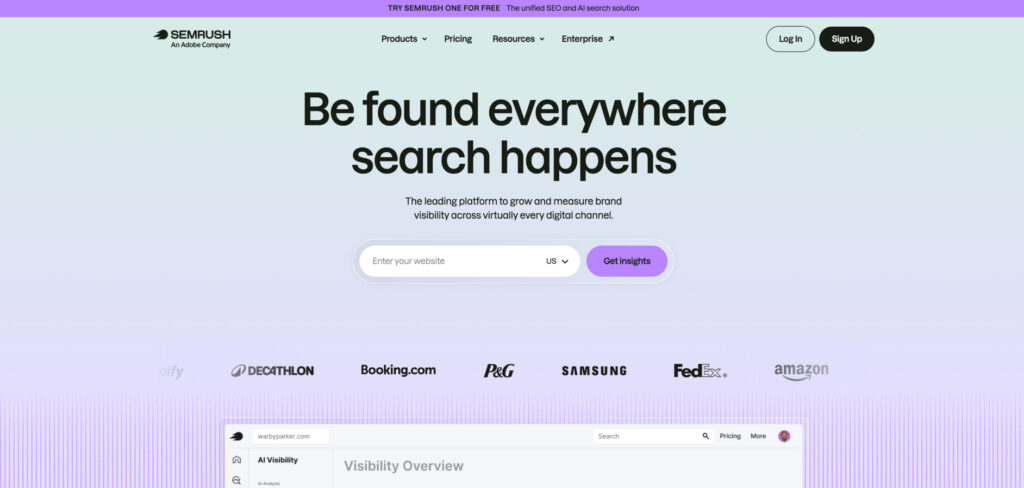
Pricing: Free plan available · Pro $139.95/mo · Guru $249.95/mo · 14-day free trial
Semrush is where many beginners eventually graduate, and its limited free plan lets you start sampling that world at no cost. It is the Swiss Army knife of search — deep keyword and competitor research, thorough site audits, rank tracking, and content tools all under one login — which is exactly why professionals open it first every morning.
The honest caveat for a beginner is price and complexity: the paid plans are among the most expensive here, and the sheer breadth can overwhelm at first. But if you expect SEO to become a real part of your work, learning Semrush early means you won’t outgrow your tools — you’ll simply unlock more of them.
Consider Semrush if:
Skip Semrush if: