
The most complete toolkit in SEO — keyword research, site audits, rank tracking, competitor analysis, and content tools — now with AI-search visibility folded in.
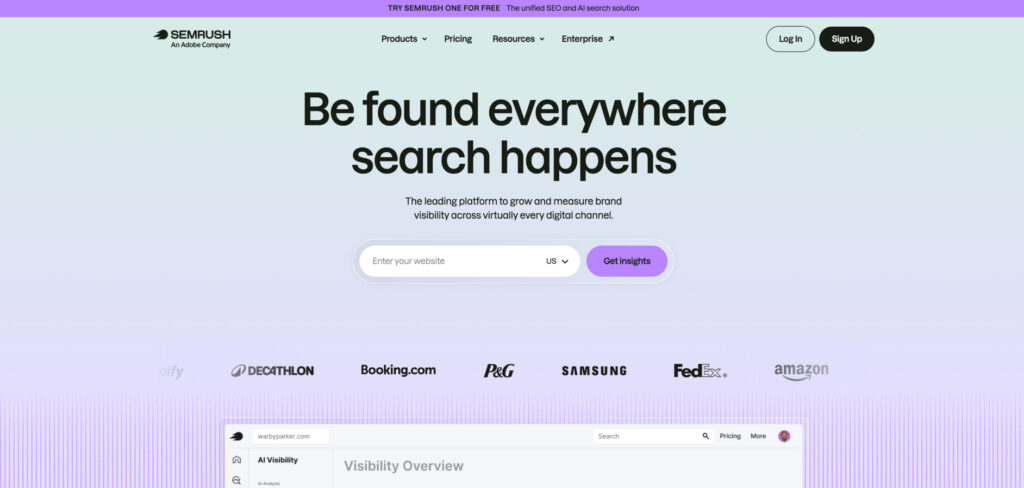
Pricing: Pro $139.95/mo · Guru $249.95/mo · Business $499.95/mo (annual billing saves ~17%) · Semrush One bundle from $199/mo · limited free account · 14-day Pro trial
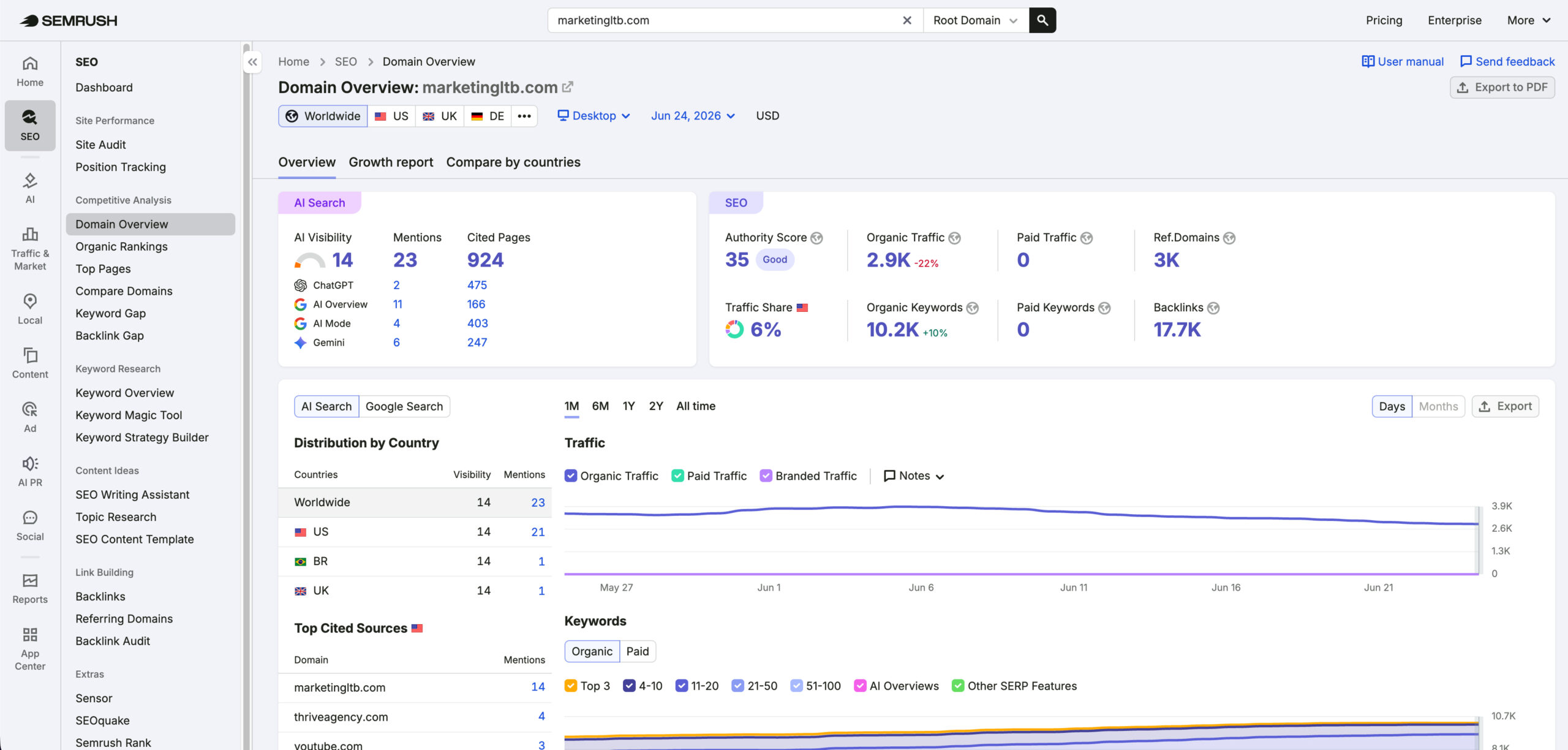
Semrush is the tool most professionals open first because it does almost everything in one place. For a small business that means you can research the keywords your customers type, audit your site for technical problems, watch your rankings, and see exactly what competitors are doing — without stitching together three separate subscriptions.
The trade-off is price and depth. Semrush is among the priciest tools on this list, the dashboard can overwhelm a first-timer, and the entry Pro plan caps projects and tracked keywords sooner than growing teams expect. But if SEO is central to how you get customers, nothing mainstream matches its breadth, and a 14-day trial lets you test before committing.
Consider Semrush if:
Skip Semrush if:
A full SEO suite — rank tracking, keyword research, site audits, and backlink monitoring — at roughly half the price of the big names.
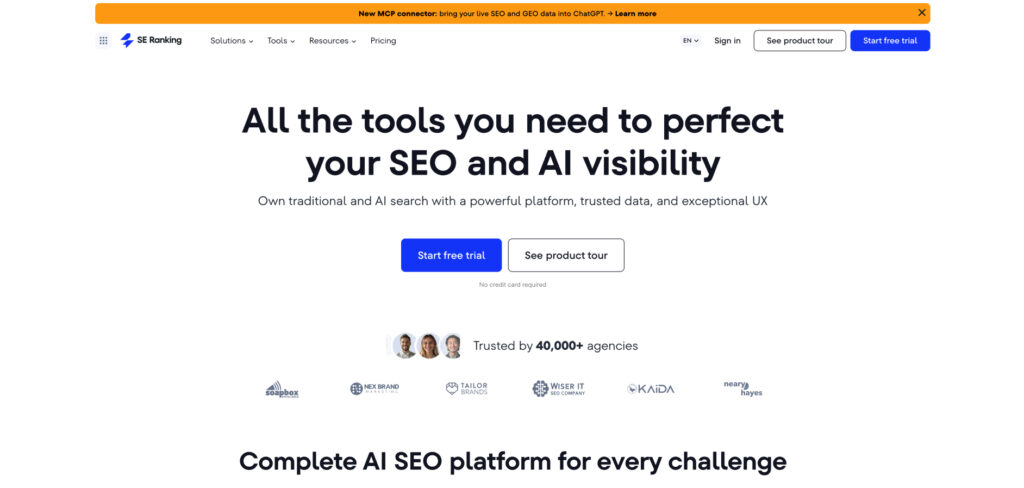
Pricing: Essential $65/mo ($52/mo annual) · Pro $129/mo ($103.20/mo annual) · Business $279/mo ($207.20/mo annual) · 14-day free trial, no card required
SE Ranking is the value sweet spot for small businesses and lean agencies that want the capabilities of Semrush or Ahrefs without the enterprise price tag. It covers the core jobs — daily rank tracking, keyword research, technical audits, and backlink monitoring — in a clean, approachable interface, and its accurate daily rank checks are a particular strength.
Pricing did climb through 2025 and 2026 and add-ons like content tools and AI-search tracking cost extra, so check the live page before you commit. A quirk worth knowing: keyword limits are multiplied by the number of search engines you track, so a 500-keyword plan covers fewer unique terms if you watch several engines at once.
Consider SE Ranking if:
Skip SE Ranking if:
Five simple, beautifully designed tools — led by KWFinder — that make keyword research, SERP analysis, and rank tracking genuinely easy for beginners.
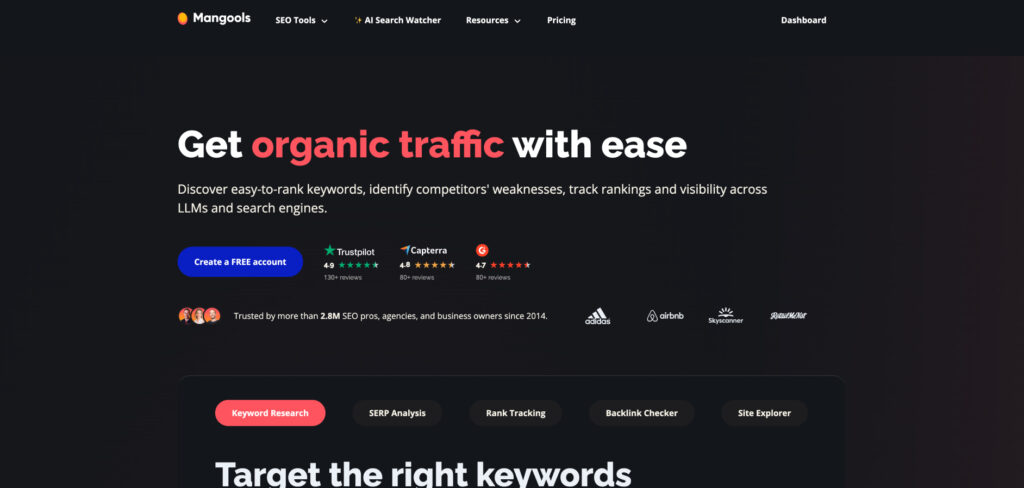
Pricing: Basic from ~$30/mo (annual; ~$49 monthly) · Premium ~$45/mo (~$69 monthly) · Agency ~$90/mo (~$129 monthly) · free plan plus a 10-day trial
Mangools is the friendliest entry point in SEO. KWFinder surfaces low-competition long-tail keywords that smaller sites can realistically rank for, while SERPChecker, SERPWatcher, LinkMiner, and SiteProfiler round out the basics — all wrapped in an interface that never makes you feel like you need a manual.
It won’t replace a full suite: the technical audits are lighter, the backlink index is smaller, and daily lookup caps fill up if you research heavily. But for a blogger or small-business owner who mainly needs to find keywords worth targeting and watch a handful of rankings, it’s hard to beat on price and ease.
Consider Mangools if:
Skip Mangools if:
A dedicated local-SEO platform that tracks map-pack rankings, audits and manages your business listings, and centralizes reviews across the web.
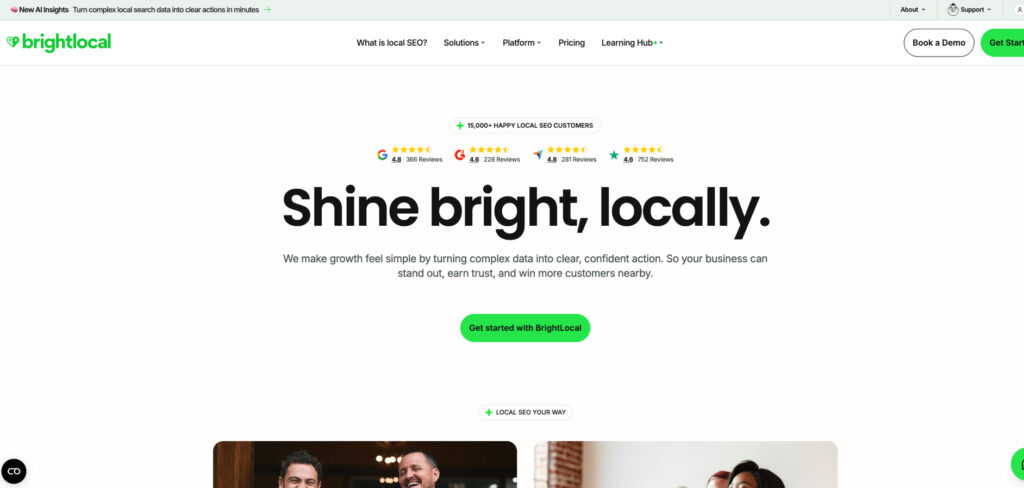
Pricing: Track $39/mo ($29/mo annual) · Manage $49/mo ($36/mo annual) · Grow $59/mo ($44/mo annual), priced per location · 14-day free trial, no card (plans rise from July 1, 2026)
If your customers find you on Google Maps, BrightLocal is built for exactly your problem. Its Local Search Grid shows how you rank across a geographic grid — not just one spot — so you can see where you’re strong and where a competitor owns the map. Higher tiers keep your name, address, and phone consistent across directories and pull reviews from Google, Yelp, and Facebook into one inbox.
Pricing is per location, which keeps it affordable for a single shop but adds up for multi-location brands, and the Citation Builder is a separate pay-as-you-go cost. For a local service business or a small agency packaging local SEO for clients, though, nothing else nails the workflow as cleanly.
Consider BrightLocal if:
Skip BrightLocal if:
You manage many locations on a budget. Per-location pricing climbs quickly at scale.
Analyzes the top-ranking pages for your target term and gives writers real-time, color-coded guidance on terms, headings, and length, with optional AI drafting.

Pricing: Essential $99/mo ($79/mo annual) · Scale $219/mo ($175/mo annual) · 7-day money-back guarantee
Surfer turns competitor analysis into a live score as you write, so even a non-specialist can hit the marks that correlate with ranking. Its Google Docs and WordPress integrations keep the workflow tight, and as Google leans into AI Overviews, Surfer’s push toward thorough topical coverage — rather than keyword stuffing — is exactly the right direction.
For a small business publishing a few articles a month, it shortens the gap between research and a finished draft without sacrificing quality. The catch is that a monthly subscription is hard to justify if you only publish occasionally.
Consider Surfer SEO if:
Skip Surfer SEO if:
Home to the largest, freshest backlink index in the business, plus best-in-class keyword and competitor data — the gold standard for link research.
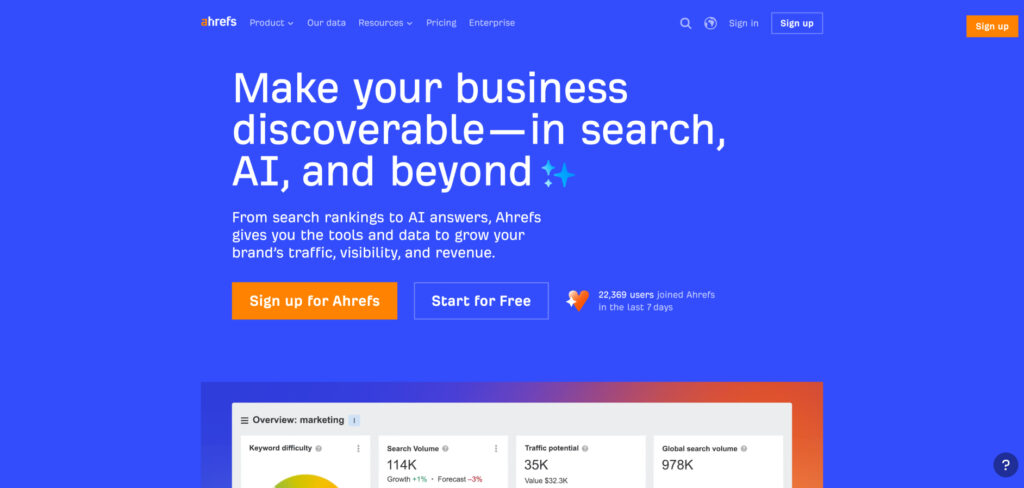
Pricing: Starter $29/mo · Lite $129/mo ($108/mo annual) · Standard $249/mo ($199/mo annual) · free Webmaster Tools for your own site · no free trial
When you need to understand who links to you, who links to your competitors, and which content earns links in your niche, Ahrefs is the tool the pros trust. Its backlink data is the most comprehensive and frequently updated available, and Site Explorer and Keywords Explorer are a joy to use for digging into a rival’s strategy.
It’s a premium product with premium pricing, and unlike most rivals it has no traditional free trial — though the free Ahrefs Webmaster Tools gives verified site owners audit and backlink data for their own domain. The new $29 Starter plan lowers the barrier, but power users hit its limits quickly.
Consider Ahrefs if:
Skip Ahrefs if:
You want to trial before paying. There’s no full free trial; only the limited Webmaster Tools.
A desktop crawler that tears your site apart like a search engine would — finding broken links, redirect chains, duplicate content, and metadata problems fast.
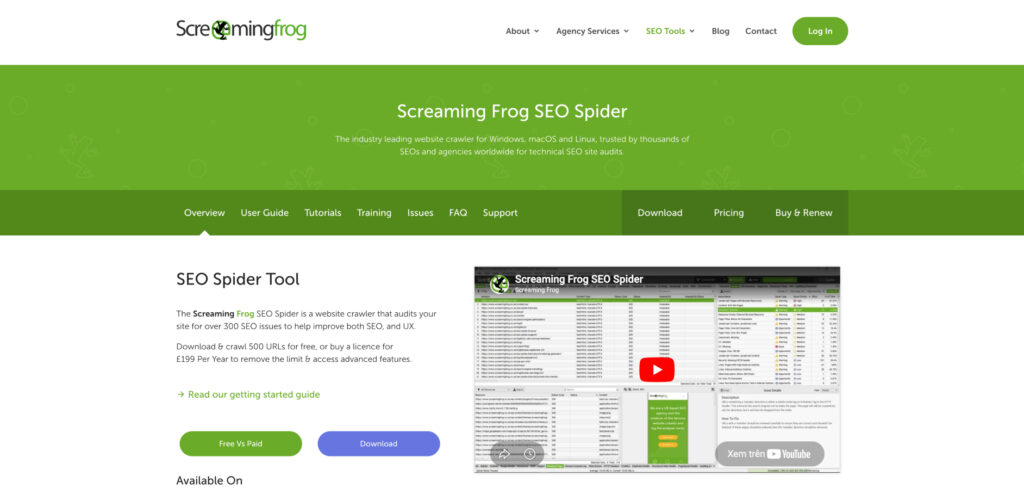
Pricing: Free for up to 500 URLs per crawl · paid license about $259/year (£259) removes the limit and unlocks JavaScript rendering, scheduling, and integrations
Screaming Frog is the technical SEO’s scalpel. Point it at your site and it crawls every URL, flagging the broken links, missing titles, redirect loops, and duplicate pages that quietly hold rankings back. The free tier handles sites up to 500 URLs — plenty for many small business websites — and the flat annual license is a bargain compared with subscription suites.
It does one job and does it superbly, but understand its limits: there’s no keyword database, no rank tracking, and no backlink index. It also runs on your own computer, so very large crawls lean on your machine’s memory. Treat it as the auditing companion to a research tool, not a replacement.
Consider Screaming Frog if:
Skip Screaming Frog if:
Neil Patel’s budget-friendly suite covering keyword ideas, basic site audits, and competitor research — with a one-time lifetime option that’s rare in SEO.
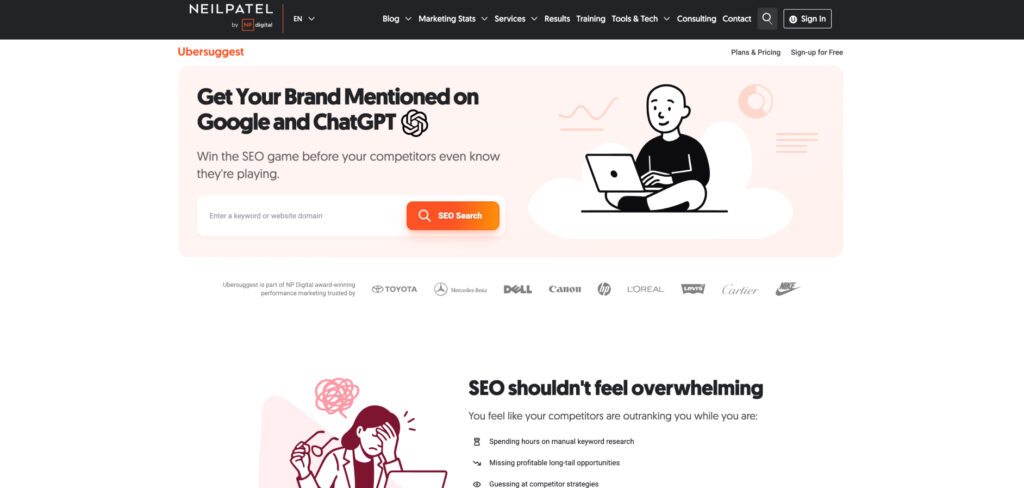
Pricing: Individual from $29/mo · lifetime access around $290 one-time · limited free daily searches
Ubersuggest is built for people who can’t stomach a $100+ monthly bill. It delivers keyword suggestions, content ideas, basic audits, and competitor snapshots in a simple interface, and its lifetime plan — a single payment for ongoing access — is genuinely unusual and appealing for solopreneurs and startups watching every dollar.
The honest caveat is data depth: keyword volumes and the backlink index don’t match the premium tools, and serious SEOs will eventually outgrow it. But as a low-cost way to learn the ropes and get directionally useful data, it punches above its price.
Consider Ubersuggest if:
Skip Ubersuggest if:
A powerful WordPress plugin that handles on-page SEO, schema markup, and technical basics right inside your site editor — with a generous free version.
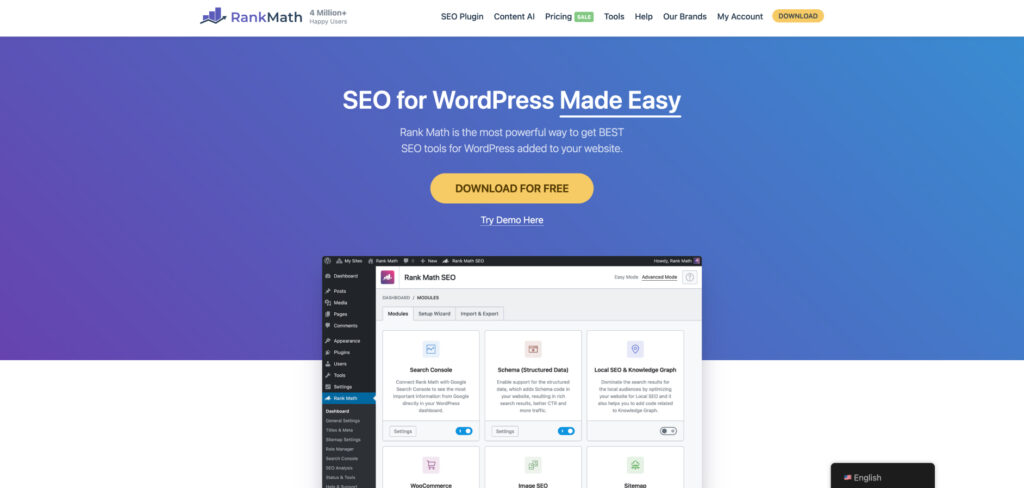
Pricing: Free core plugin · PRO plans start around $8/mo billed annually · higher tiers for agencies and multiple sites
If your site runs on WordPress, a good SEO plugin is non-negotiable, and Rank Math packs an unusual amount into its free tier: optimized titles and meta descriptions, XML sitemaps, rich-result schema, redirect management, and on-page content analysis as you write. It guides you through the fundamentals without you ever leaving the editor.
It won’t research keywords or track rankings across the web — that’s the job of the suites above — but it makes sure the on-page and technical groundwork is solid so the rest of your SEO effort actually pays off. The free version is enough for most small sites; PRO mainly adds deeper analytics and multi-site features.
Consider Rank Math if:
Skip Rank Math if:
Free, first-party data from Google on how your site actually performs in search — the queries you appear for, where you rank, and what’s blocking pages.
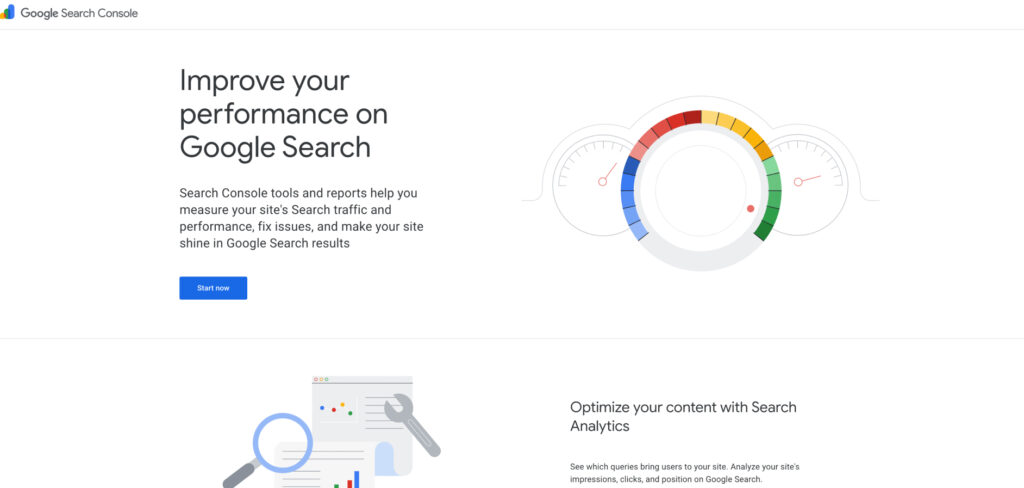
Pricing: Free
Every website should be connected to Google Search Console, full stop. It’s the only tool that shows Google’s own view of your site: which searches surface your pages, your average position, your click-through rates, and any indexing or mobile problems holding you back. As Google folds AI Overviews into results, that performance data increasingly reflects AI-surfaced impressions too.
It won’t research keywords for you, spy on competitors, or track other search engines, and the interface takes a little learning. But paired with a free keyword tool and a good plugin, it forms a genuinely capable no-cost foundation before you spend a dollar on paid platforms.
Consider Google Search Console if:
Skip Google Search Console if: