
A single platform that joins keyword research, site audits, and rank tracking with the competitive and content tools an education marketing team needs to win programs and enrollments.
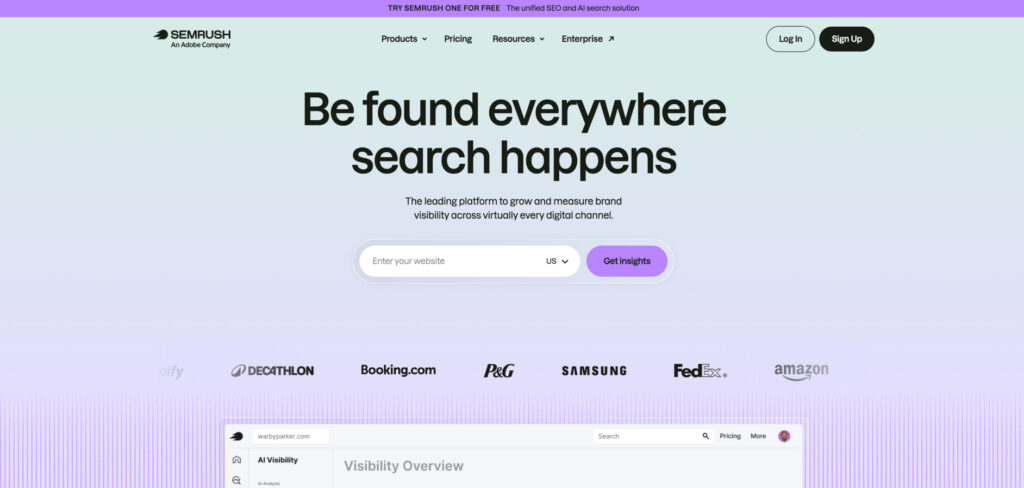
Pricing: Semrush One from $199/mo · Pro $139.95/mo · Guru $249.95/mo · Business $499.95/mo · 14-day free trial
All-in-one platforms remain the Swiss Army knives of SEO, and for a university or edtech marketing team juggling many programs at once, Semrush is the one that consolidates the most into a single login. Keyword research, position tracking, technical audits, and competitor analysis all sit together, so you can see which programs are losing visibility and why without exporting between tools.
For education specifically, its topic research and content tools help you map the questions prospective students ask — from “is a master’s worth it” to course-specific queries — and its market analysis shows how rival institutions capture that demand. The trade-offs are price and a learning curve: Semrush is among the priciest options here and its dashboard can overwhelm newcomers, but a free trial makes it easy to test first.
Consider Semrush if:
Skip Semrush if:
The industry’s largest and freshest backlink index, ideal for building the kind of domain authority that helps .edu and program pages rank for competitive terms.
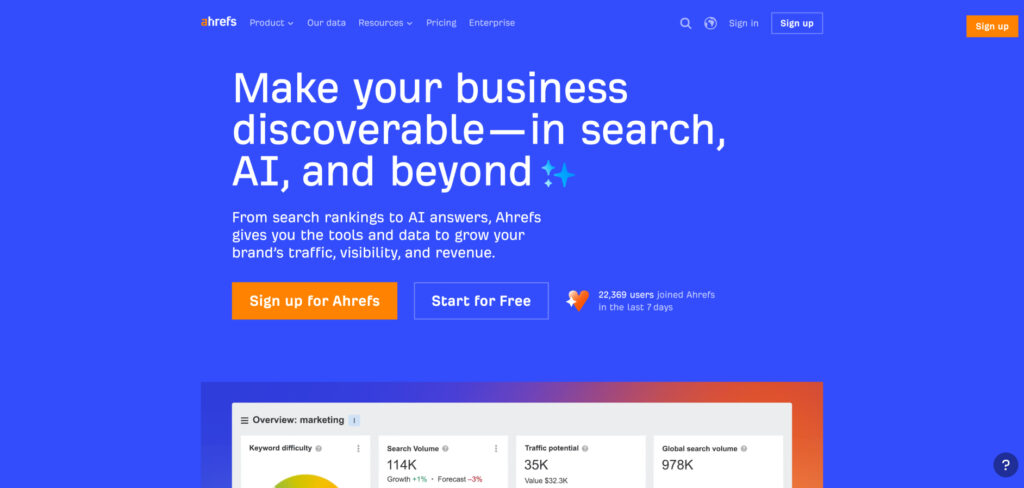
Pricing: Lite ~$129/mo · Standard ~$249/mo · Advanced ~$449/mo · usage runs on a credit system, annual billing discounts available
Ahrefs built its reputation on link data, and that advantage still holds in 2026. For education brands that matters: authoritative backlinks from journals, news coverage, and partner institutions are a major ranking signal, and Ahrefs is the best tool for seeing who links to your rivals and where your own gaps are. Its Site Explorer and Content Explorer make competitive research fast.
Beyond links, it’s a strong all-rounder with solid keyword research, rank tracking, and site auditing. The catch in 2026 is the credit-based usage model, which can feel restrictive if many people on your team run reports, so check that your tier’s allowance fits how your team actually works before committing.
Consider Ahrefs if:
Skip Ahrefs if:
A friendly, well-priced SEO suite with keyword research, rank tracking, audits, and the well-known Domain Authority metric — a sensible first paid tool for schools and small institutions.
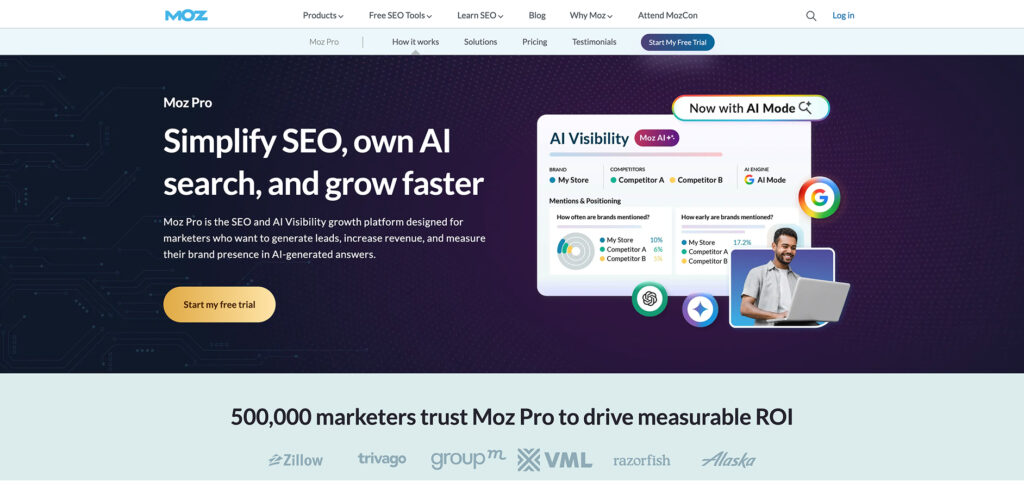
Pricing: Standard $49/mo · Medium $99/mo · Large $179/mo · 30-day free trial
Moz is the gentle on-ramp to serious SEO. Its interface is approachable, its learning resources are excellent, and for a school or small college marketing office without a dedicated SEO specialist, that lowers the barrier considerably. You get keyword suggestions, rank tracking, and site crawls without the firehose of data that makes pricier suites intimidating.
It won’t match Ahrefs on link depth or Semrush on breadth, but it covers the fundamentals well and at a price a tight education budget can absorb. The free 30-day trial and a generous set of free tools make it easy to learn before you commit.
Consider Moz Pro if:
Skip Moz Pro if:
A desktop crawler that maps every page, redirect, and broken link on a site — indispensable for the sprawling, multi-department websites universities tend to run.
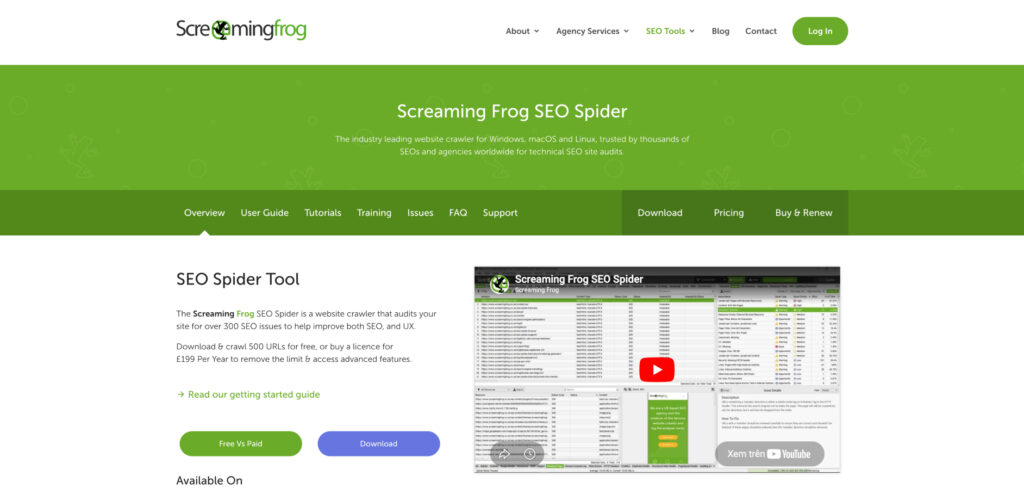
Pricing: Free up to 500 URLs · paid license ~$259/year (£199) for unlimited crawling and advanced features
University websites are notoriously large and messy — thousands of pages across departments, old course catalogs, orphaned PDFs, and broken links accumulated over years. Screaming Frog is the tool SEOs reach for to crawl all of it and surface the technical problems holding rankings back: duplicate titles, missing metadata, redirect chains, and pages that quietly return errors.
It’s a technical tool, not a content or keyword platform, and the interface is utilitarian rather than pretty. But for the price — free for small sites, a flat annual fee for everything else — nothing matches it for auditing big institutional sites. Pair it with a research suite and you have most bases covered.
Consider Screaming Frog if:
Skip Screaming Frog if:
Analyzes top-ranking pages for your target term and gives writers real-time, color-coded guidance on terms, headings, and length — great for program pages and course blogs.

Pricing: Essential $99/mo ($79/mo annual) · Scale $219/mo ($175/mo annual) · 7-day money-back guarantee
Surfer turns SERP analysis into a live score as you write, making it easy for writers — even non-SEOs like faculty or guest contributors — to hit the marks that correlate with ranking. For education content teams producing program descriptions, career guides, and blog articles, it shortens the research-to-draft loop and keeps quality consistent across contributors.
Its Google Docs integration keeps the workflow tight, and the affordable entry tier makes it approachable for smaller teams. As search rewards genuinely comprehensive content, Surfer’s push toward topical completeness rather than keyword stuffing serves education publishers well.
Consider Surfer SEO if:
Skip Surfer SEO if:
A premium, editorial-first content tool favored by larger teams for its topical-map approach, clean collaboration, and excellent Google Docs integration.
Pricing: From $170/mo (Essentials) · higher tiers custom
Clearscope focuses on content intelligence rather than churning out drafts: it helps teams understand what makes a page rank and where their topical authority has gaps. For an edtech company or a university with a real content operation, that emphasis on depth and editorial quality fits how serious education publishing actually works.
Its interface is clean and its Google Docs integration is excellent, which matters when multiple writers and editors collaborate on a piece. It’s pricier than Surfer and won’t track rankings for you, but it’s a reliable way to build comprehensive, authoritative content that earns links and citations.
Consider Clearscope if:
Skip Clearscope if:
Turns a target keyword into a SERP-driven brief and a fast first draft — a strong value for course creators and small education teams.
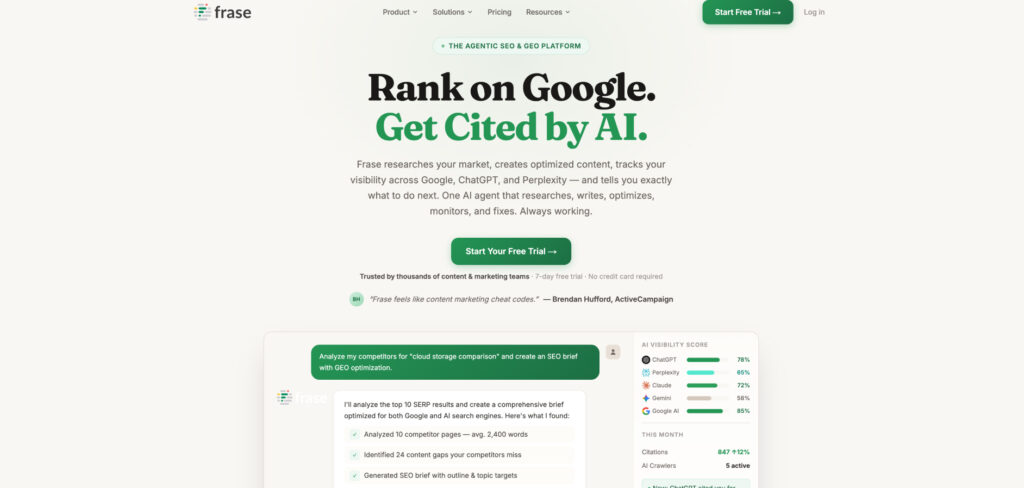
Pricing: Starter $49/mo ($39 annual) · Pro $129/mo · 7-day trial, no card required
Frase scans the top results for your keyword — including People Also Ask — and uses topic modeling to clarify intent, outline the sections readers expect, and reveal content gaps. For an independent course creator or a lean marketing team, it scaffolds an article from research to first draft without handoffs, which is a real time-saver when you’re writing everything yourself.
A real-time content score guides word count and coverage as you write, while the AI writer speeds up drafting. It’s not as deep as Clearscope on editorial intelligence, but it remains one of the more affordable ways to get serious briefs and optimization in a single tool.
Consider Frase if:
Skip Frase if:
A local-SEO platform for managing listings, reviews, and map-pack rankings — built for institutions with physical campuses, tutoring centers, or multiple locations.
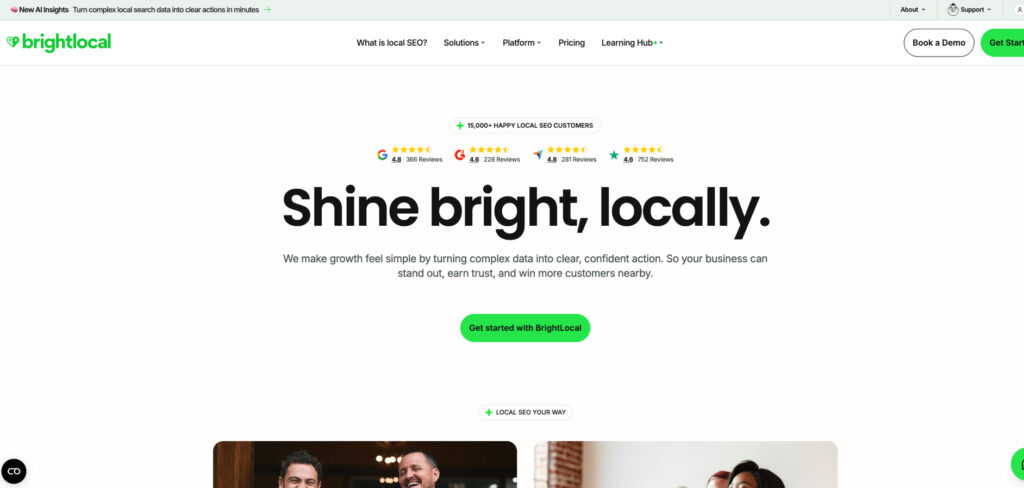
Pricing: Track from ~$49/mo · Manage ~$69/mo · Grow ~$99/mo · free trial available
For any education brand with a physical presence — a tutoring franchise, a community college with several campuses, a language school — local search is where prospective students often find you. BrightLocal manages the unglamorous but vital work: keeping Google Business Profiles accurate across locations, tracking map-pack rankings by area, and monitoring the reviews that sway enrollment decisions.
It’s focused rather than all-in-one, but it does local SEO better and cheaper than the big suites’ add-ons. For multi-location institutions especially, its citation and reporting tools save hours of manual upkeep each month.
Consider BrightLocal if:
Skip BrightLocal if:
Free, first-party data from Google on how your site actually performs in search — including which queries bring students to your pages.
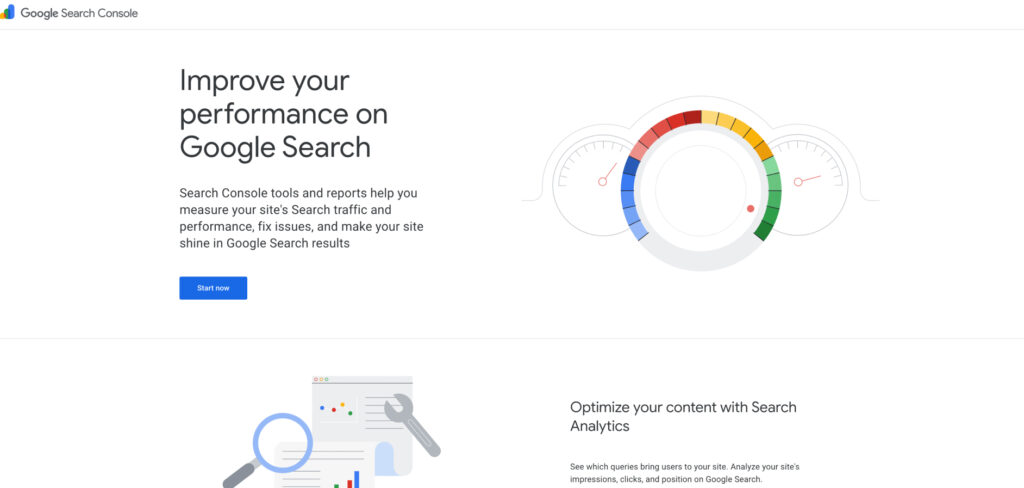
Pricing: Free
Every institution should be using Google Search Console, full stop. It’s the only tool that shows you Google’s own view of your pages — which queries you appear for, where you rank, and what’s blocking pages from being indexed. For an education site, that reveals exactly which programs and articles are pulling in searchers and which are invisible.
It won’t research competitors or suggest content, and its keyword data is limited to your own site. But paired with a free keyword tool and a content optimizer, it forms a genuinely capable no-cost foundation before you spend a dollar — which matters for budget-constrained schools and departments.
Consider Google Search Console if:
Skip Google Search Console if:
An affordable keyword and competitor research tool — with an unusual lifetime-purchase option — aimed at creators and small teams who can’t justify a full suite.
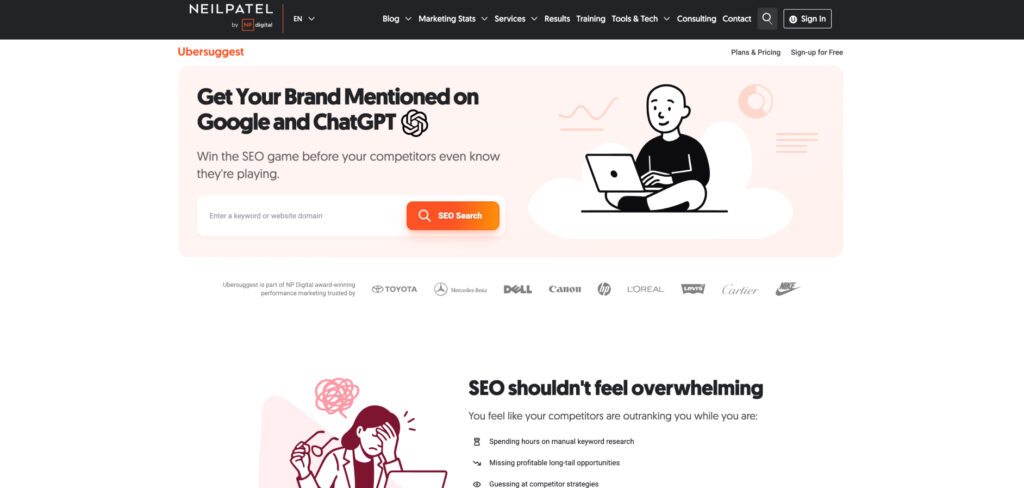
Pricing: Individual $29/mo or ~$290 one-time lifetime · 7-day free trial
Ubersuggest is the budget keyword tool that punches above its price. It delivers keyword ideas, search volumes, content suggestions, and basic site audits in a simple interface, and its lifetime plan is genuinely unusual — pay once and keep access, which appeals to educators and bloggers wary of yet another subscription.
Its data isn’t as deep or fresh as Ahrefs or Semrush, and power users will hit its limits. But for a teacher building a resource site, a small program promoting a few courses, or anyone learning SEO, it covers the essentials cheaply and without a steep learning curve.
Consider Ubersuggest if:
Skip Ubersuggest if: