
A single platform that joins a massive keyword database with intent labels, difficulty scores, and clustering — so you can go from a seed term to a full content plan without leaving the dashboard.
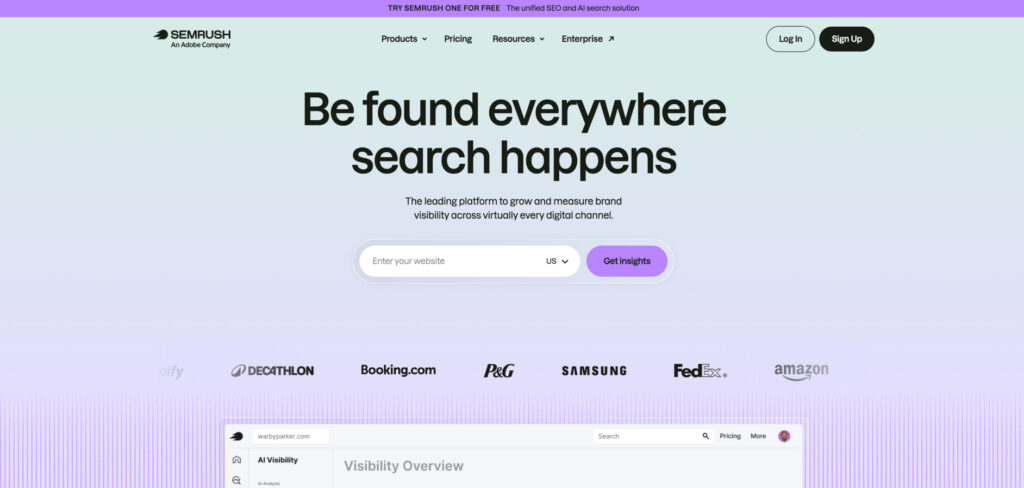
Pricing: Pro $139.95/mo · Guru $249.95/mo · Business $499.95/mo · 14-day free trial
All-in-one platforms are still the Swiss Army knives of search, and in 2026 Semrush remains the one most marketers open first when a keyword project lands. Its Keyword Magic Tool surfaces millions of related terms with volume, intent, and difficulty attached, while Keyword Strategy Builder groups them into pillar-and-cluster maps you can hand straight to a writer.
The headline is breadth: the same login that finds keywords also runs site audits, tracks rankings, and studies competitors, so research never sits in a silo. For agencies, white-label reporting wraps the whole story up for clients in a few clicks.
The trade-offs are price and learning curve. Semrush is among the priciest tools here, the dashboard can overwhelm newcomers, and the deepest data sits in the higher tiers. A 14-day free trial makes it easy to test before committing.
Consider Semrush if:
Skip Semrush if:
Keywords Explorer pairs one of the largest, freshest keyword indexes in the business with backlink data, so you can judge both demand and how hard a term will be to win.
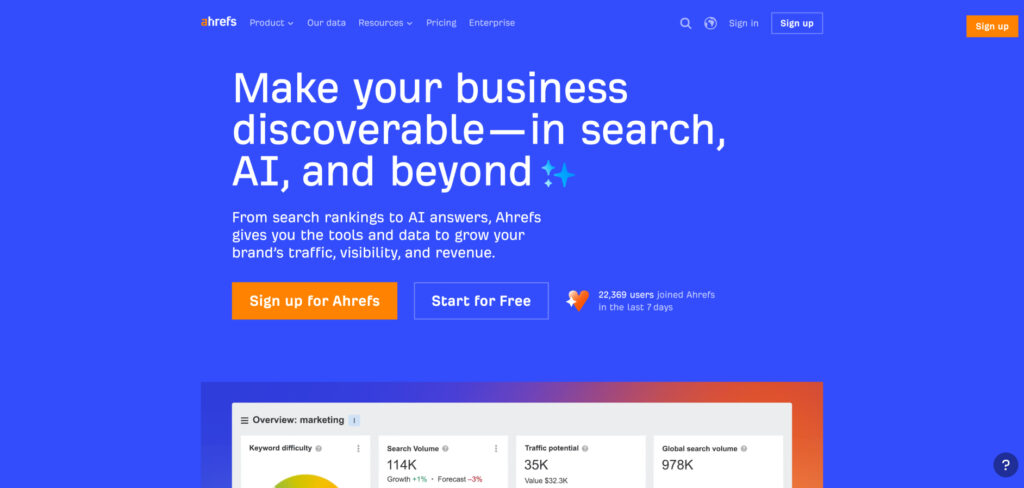
Pricing: Lite/entry ~$99–$129/mo · Standard $249/mo · higher tiers scale by usage
Ahrefs built its reputation on the largest and freshest backlink index in the business, and that data advantage carries straight into keyword research. Keywords Explorer reports volume, clicks, parent topics, and a well-regarded keyword difficulty score across Google, YouTube, Amazon, and more.
What sets it apart is the clicks-versus-searches view and SERP-history data, which help you spot terms where the volume is real and the competition is beatable rather than chasing inflated numbers. If you care about link forensics as much as keywords, having both in one toolset is hard to beat.
The catch is cost and credits — heavy research can bump you into higher tiers, and there’s no free trial, only a limited free Webmaster Tools tier for your own site.
Consider Ahrefs if:
Skip Ahrefs if:
An intent-first tool that takes a big list of keywords and clusters them into ready-made article topics, telling you which terms belong on the same page and which deserve their own.
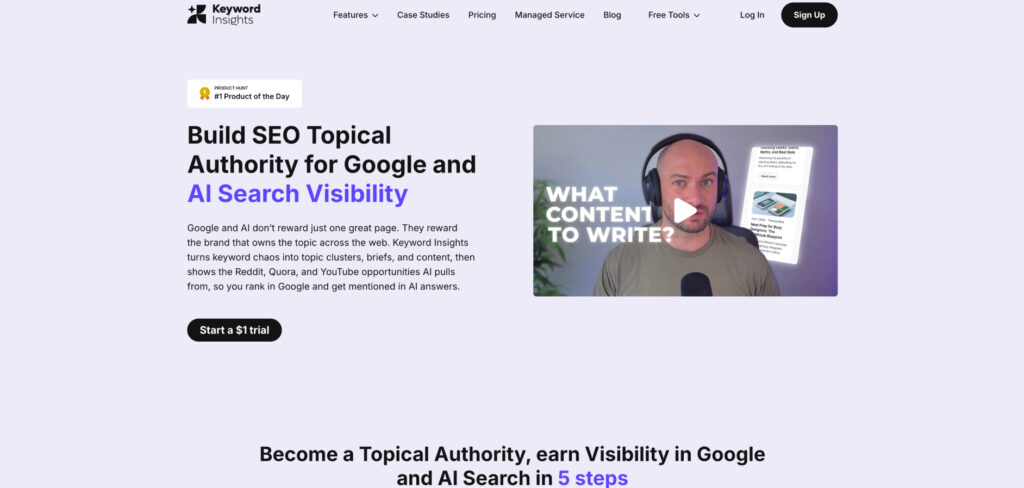
Pricing: Plans from ~$58/mo (usage-based credits) · trial credits available
Most tools hand you a pile of keywords; Keyword Insights tells you what to do with them. It groups thousands of terms by how Google actually treats them, using live SERP overlap rather than guesswork, so you avoid the classic mistake of building two pages that end up cannibalizing each other.
On top of clustering, it labels search intent, surfaces the questions to answer, and can spin up a data-driven brief — turning a raw export into a publishing roadmap in minutes. For teams planning content at scale, that clustering step alone can save days of manual sorting.
Consider Keyword Insights if:
Skip Keyword Insights if:
A friendly, affordable tool built around finding long-tail keywords with genuinely beatable difficulty scores — ideal for smaller sites picking their battles.
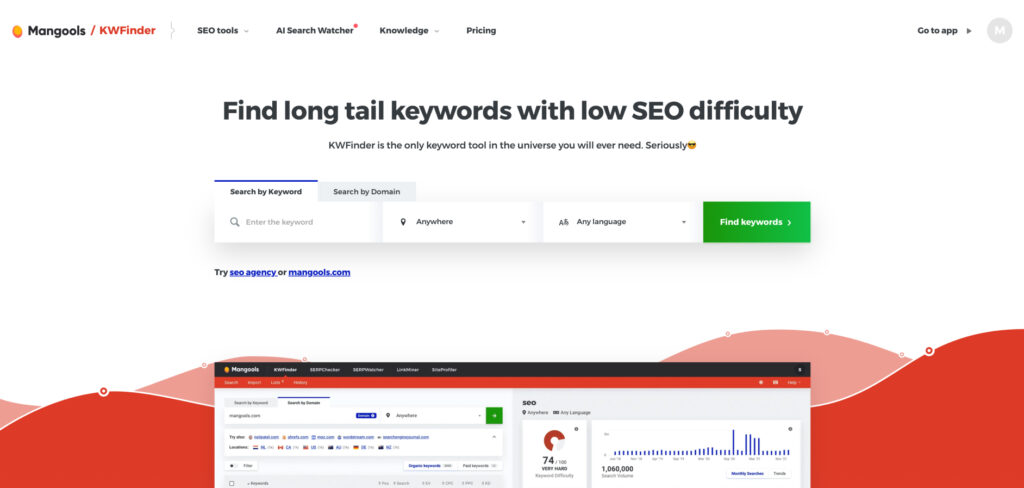
Pricing: Mangools plans from ~$29–$49/mo (annual) · 10-day free trial
KWFinder, part of the Mangools bundle, is the value sweet spot for bloggers and small businesses who care less about raw database size and more about finding terms they can actually rank for. Its clean interface makes keyword difficulty easy to read at a glance, with green-amber-red scoring that newcomers grasp instantly.
It covers location and language targeting, pulls related and question keywords, and bundles SERP analysis, rank tracking, and backlink lookups in the same affordable subscription. The catch is capacity: lookup limits fill up fast on lower tiers, so check the allowances if you research heavily.
Consider Mangools KWFinder if:
Skip Mangools KWFinder if:
Visualizes the questions, prepositions, and comparisons people search around any topic — perfect for FAQ content, headings, and capturing voice and AI-style queries.
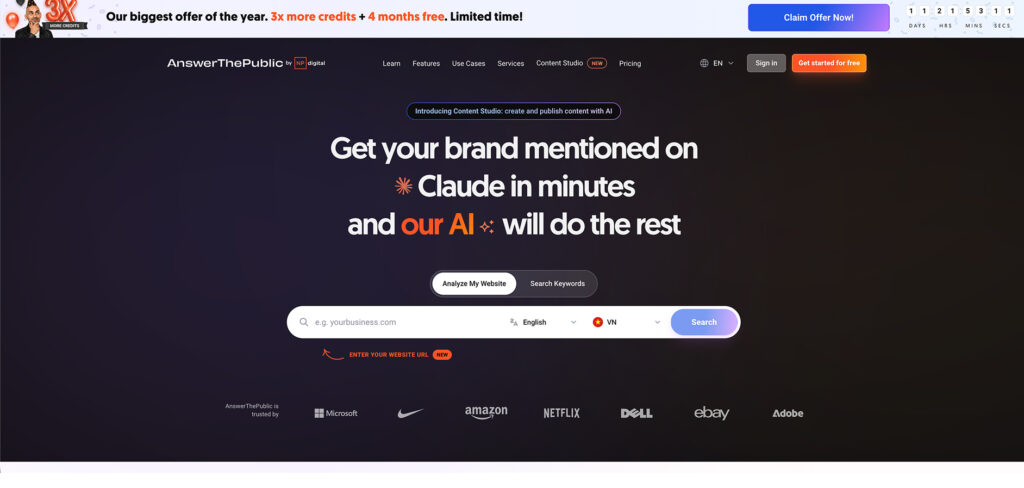
Pricing: Free limited daily searches · paid plans from ~$11–$99/mo
AnswerThePublic takes a single seed keyword and explodes it into the real questions people ask — who, what, why, how, and the comparisons and prepositions around them — laid out as an easy-to-scan map. It’s the fastest way to find the exact phrasing your audience uses.
That question data is gold in 2026, when so much search runs through conversational queries and AI answers that reward pages addressing specific questions directly. It won’t give you precise volume or difficulty, so it works best paired with a database tool that does.
Consider AnswerThePublic if:
Skip AnswerThePublic if:
Surfaces fast-rising search terms and topics months before they peak, so you can target keywords while competition is still thin.
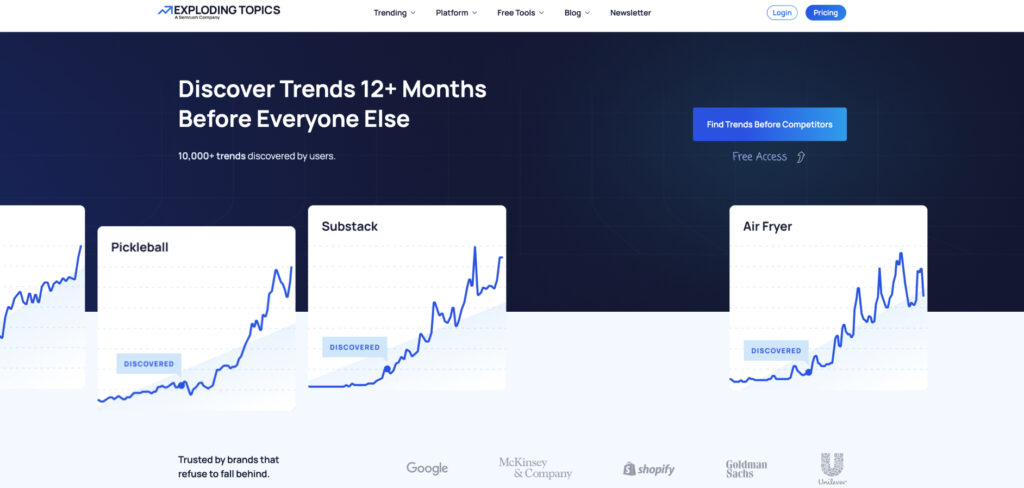
Pricing: Limited free access · Pro plans from ~$39–$249/mo (annual)
Exploding Topics scans search and social signals to flag terms whose interest is accelerating, sorting them by category and growth stage. Where most keyword tools tell you about demand that already exists, this one points at demand that’s forming.
Getting in early on a rising query means easier rankings and first-mover content, which is exactly where outsized traffic gains come from. It’s a complement rather than a core researcher — you’ll still validate the picks with volume and difficulty data elsewhere.
Consider Exploding Topics if:
Skip Exploding Topics if:
You want one comprehensive tool. It supplements a database researcher rather than replacing it.
A YouTube-native tool that finds the search terms and topics driving views on the platform, with a browser extension that scores opportunities right inside YouTube.
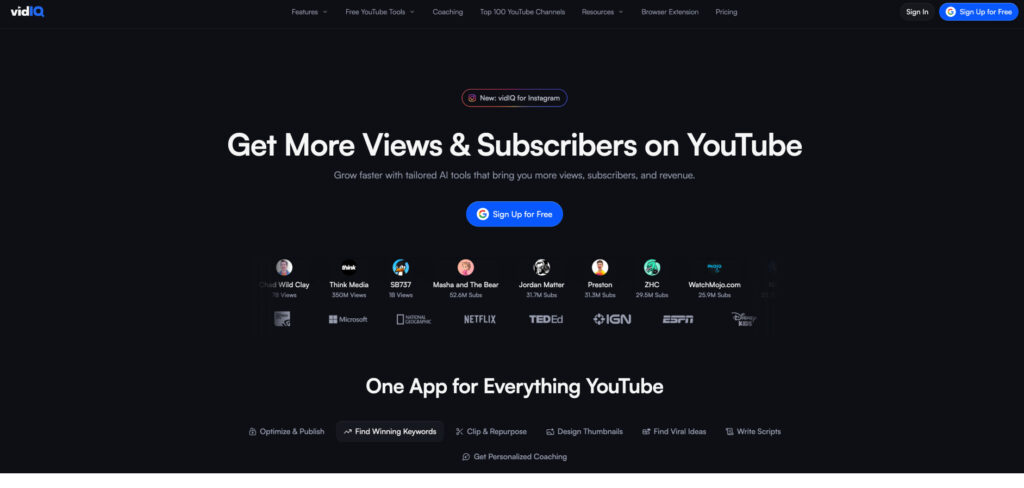
Pricing: Free plan · paid tiers from ~$9–$79/mo
YouTube is the second-largest search engine, and its keywords don’t behave like Google’s. VidIQ is built for it: its keyword tools score search volume, competition, and overall opportunity for video terms, and its extension overlays that data on the YouTube interface as you browse.
Beyond keywords it suggests tags, tracks competitors, and flags trending video topics, making it a near-complete creator toolkit. If your growth depends on video search, a Google-first tool simply won’t surface the same terms.
Consider VidIQ if:
Skip VidIQ if:
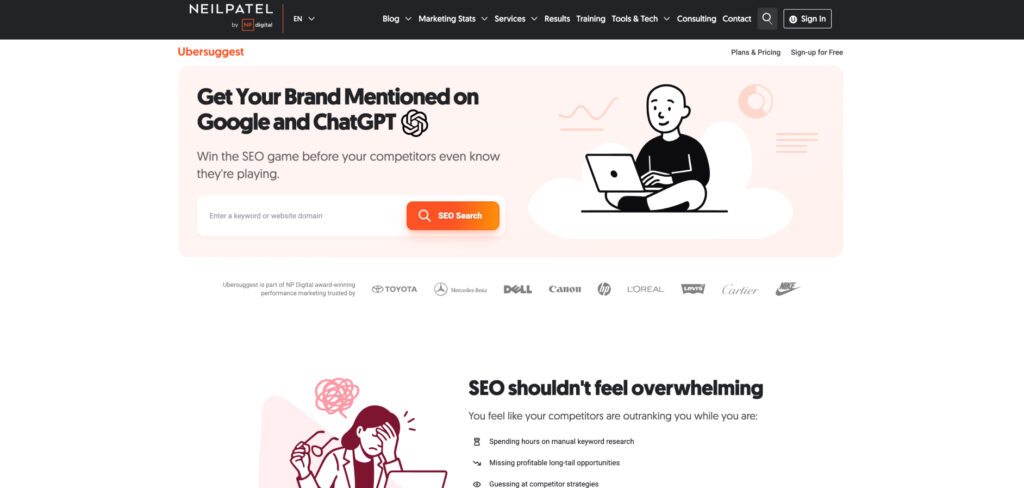
A low-cost, beginner-friendly tool that bundles keyword ideas, difficulty, content suggestions, and basic site audits — with a one-time lifetime option that’s rare in this space.
Pricing: Plans from ~$12–$40/mo · lifetime plans available · limited free searches
Ubersuggest set out to be the affordable answer to the big suites, and for solo creators and small businesses it largely succeeds. It returns keyword ideas with volume, difficulty, and seasonal trends, plus content ideas pulled from what already ranks.
Its standout is pricing: alongside cheap monthly plans it offers one-time lifetime deals, which can pay for themselves fast if you research regularly. The data isn’t as deep or fresh as Ahrefs or Semrush, but for the price it covers the fundamentals well.
Consider Ubersuggest if:
Skip Ubersuggest if:
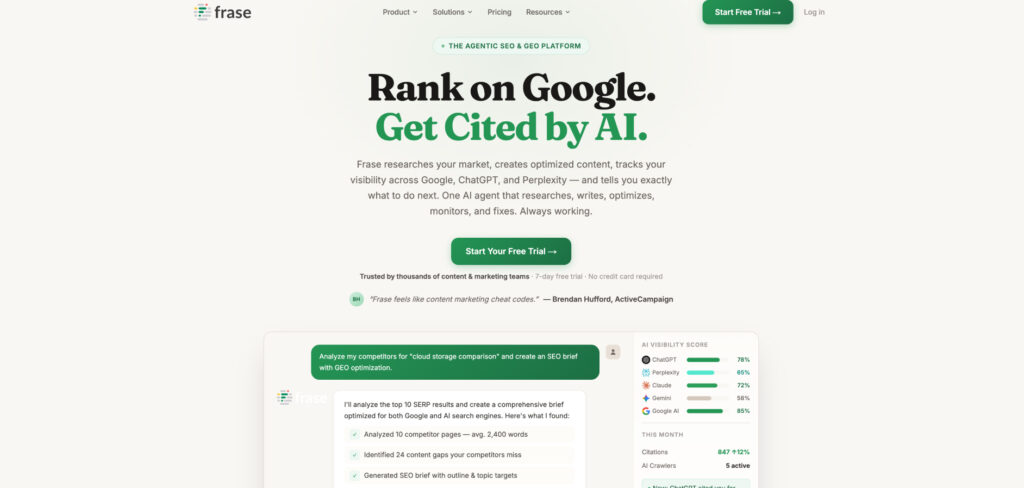
Turns a target keyword into a SERP-driven brief and a fast first draft, weaving keyword research directly into the content workflow.
Pricing: Starter $49/mo ($39 annual) · Professional $129/mo ($103 annual) · Scale $299/mo · 7-day free trial
Frase scans the top results for your keyword — including People Also Ask — and uses topic modeling to reveal the subtopics and questions a page needs to cover. Rather than handing you a standalone keyword list, it builds research into the act of planning and writing the article.
A real-time content score guides word count, headings, and coverage as you write, while the AI writer speeds up the first draft. For teams whose keyword research only matters once it becomes published content, that tight loop is the appeal — though dedicated database tools still go deeper on pure metrics.
Consider Frase if:
Skip Frase if:
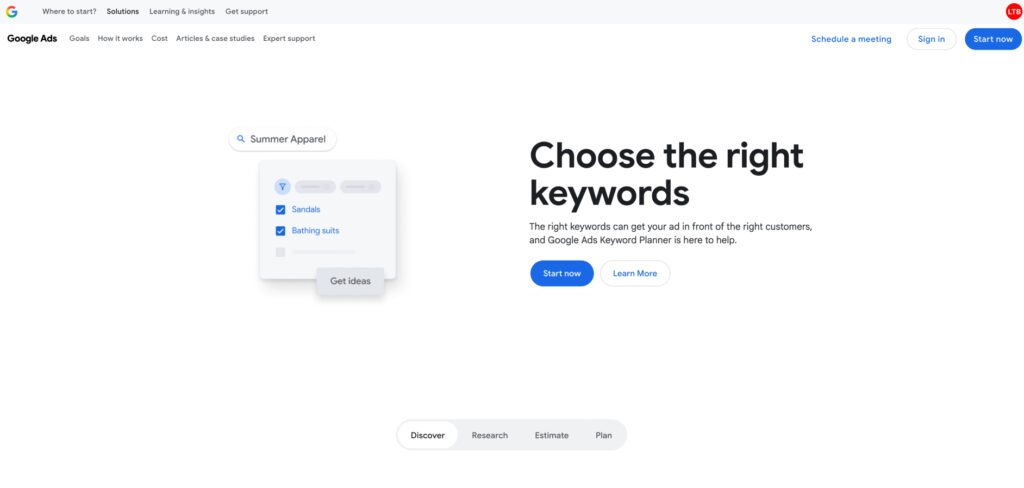
Free keyword data straight from Google, including search volume ranges and forecasts — the obvious no-cost foundation before you pay for anything.
Pricing: Free (Google Ads account required)
Every keyword researcher should know Google Keyword Planner. Built for advertisers, it’s free to use and pulls volume, competition, and forecast data directly from Google itself — the source every other tool is ultimately modeling.
The limitations are real: volumes show as broad ranges rather than exact numbers unless you run active campaigns, and the competition score reflects paid bidding, not organic difficulty. But paired with a free question tool and a content tool, it forms a genuinely capable no-cost foundation before you spend a dollar.
Consider Google Keyword Planner if:
Skip Google Keyword Planner if: