

A single platform that pairs the SEO fundamentals — keyword research, site audits, rank tracking — with newer AI-search visibility tracking across ChatGPT, Perplexity, Gemini, and Google’s AI Overviews.
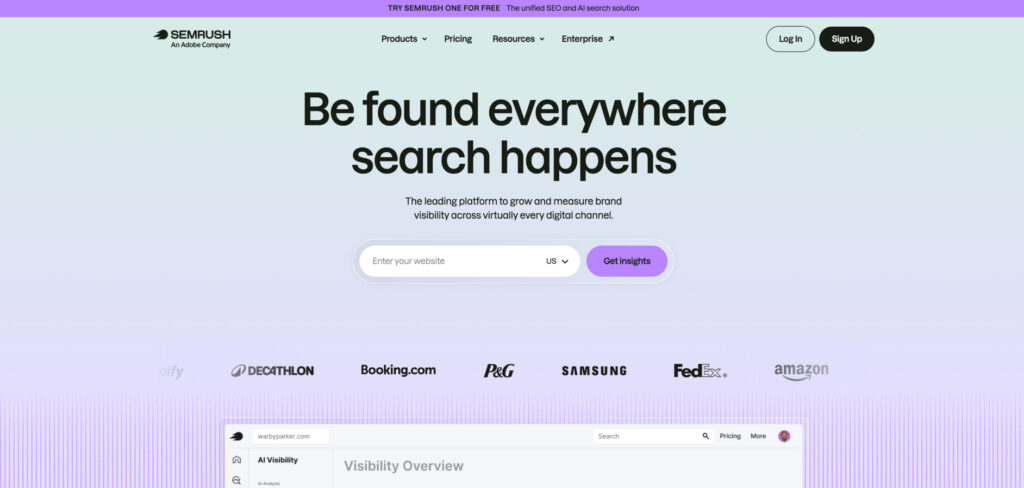
Pricing: Pro $139.95/mo · Guru $249.95/mo · Business $499.95/mo · Semrush One (AI + SEO bundle) from $199/mo · 14-day free trial
If you want one tool to grow a blog from first post to full-time income, Semrush is the suite most bloggers eventually graduate into. Its keyword research is deep, its site audit catches the technical issues holding pages back, and its topic and content tools help you plan clusters rather than one-off articles. In 2026 it has also folded AI-visibility tracking into the same dashboard, so you can see whether answer engines are surfacing your blog alongside your classic Google rankings.
The trade-offs are price and learning curve. Semrush is the priciest tool on this list, the interface can overwhelm a first-time blogger, and the richest AI features sit in the higher One bundle rather than the entry plan. A 14-day free trial makes it easy to test how much of the suite you’ll actually use before committing.
Consider Semrush if:
Skip Semrush if:
Five easy-to-use tools — KWFinder for keywords, SERPChecker, SERPWatcher, LinkMiner, and SiteProfiler — bundled at a price a solo blogger can actually afford.
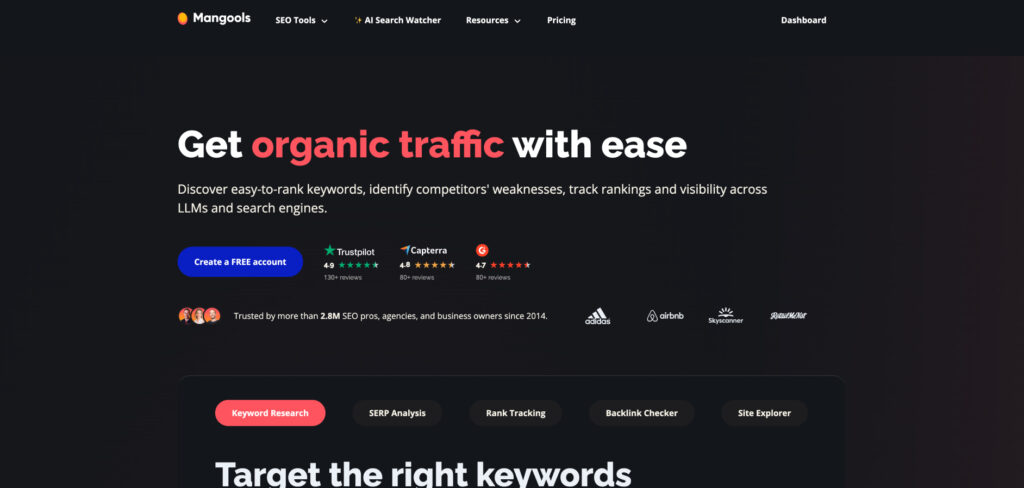
Pricing: Entry $19.90/mo · Basic $29.90/mo · Premium $44.90/mo · Agency $89.90/mo (annual billing). Permanent free plan plus a 10-day Free+ trial
Mangools is the value sweet spot for bloggers who find Semrush and Ahrefs both overkill and overpriced. KWFinder, its standout tool, turns seed terms into long-tail ideas with a genuinely useful keyword-difficulty score, while the bundled SERP analysis and rank tracking cover the rest of the basics. The whole suite is famously friendly — you can be researching keywords within minutes of signing up.
The catch is limits rather than features: every paid plan unlocks all five tools, but daily search and lookup caps fill up faster on the cheaper tiers. For a single blog that’s rarely a problem, and annual billing knocks 30 to 40 percent off, making it one of the cheapest credible keyword tools going.
Consider Mangools (KWFinder) if:
Skip Mangools (KWFinder) if:
A keyword tool built around one job: surfacing low-competition terms where weak, low-authority pages already rank — exactly the openings a newer blog can realistically win.
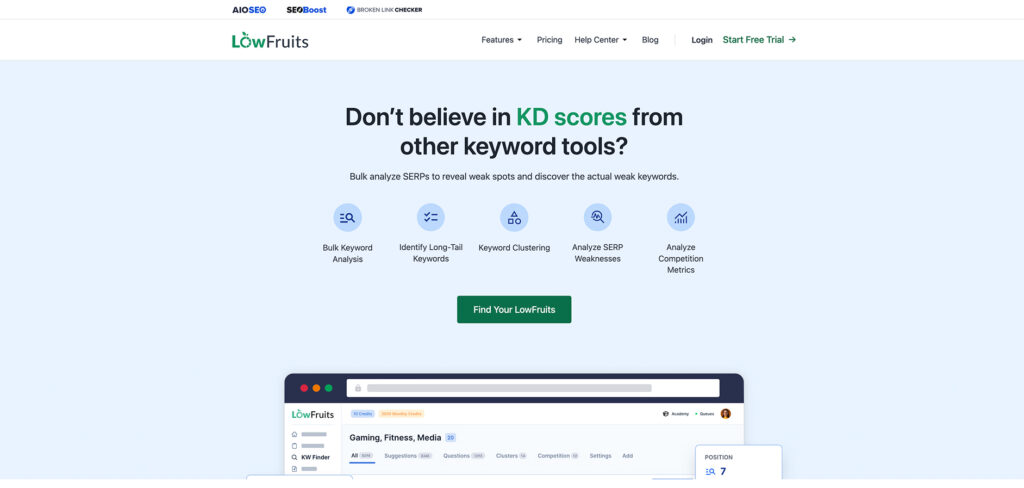
Pricing: Pay-as-you-go credits from $25 for 2,000 (valid 12 months) · subscription plans from about $21–$62/mo · 14-day money-back guarantee
LowFruits does the one thing newer bloggers need most: it scans the SERP and flags keywords where low-authority sites — forums, thin pages, weak domains — are already ranking, marking them as winnable. Instead of chasing terms dominated by established brands, you build a list of quick wins your blog can actually rank for. Its keyword clustering then groups those wins into ready-made content campaigns.
It runs on credits rather than a flat subscription, which suits occasional research: you buy a pack, spend a credit per keyword analyzed, and the credits stay valid for a year. The flip side is that heavy, bulk analysis can get pricey, and its own keyword suggestions lean on Google autocomplete, so it shines brightest when you feed it lists from elsewhere.
Consider LowFruits if:
Skip LowFruits if:
A free-first WordPress plugin that handles on-page SEO, schema, sitemaps, and redirects right inside your dashboard — with a built-in rank tracker most rivals lock behind a paywall.
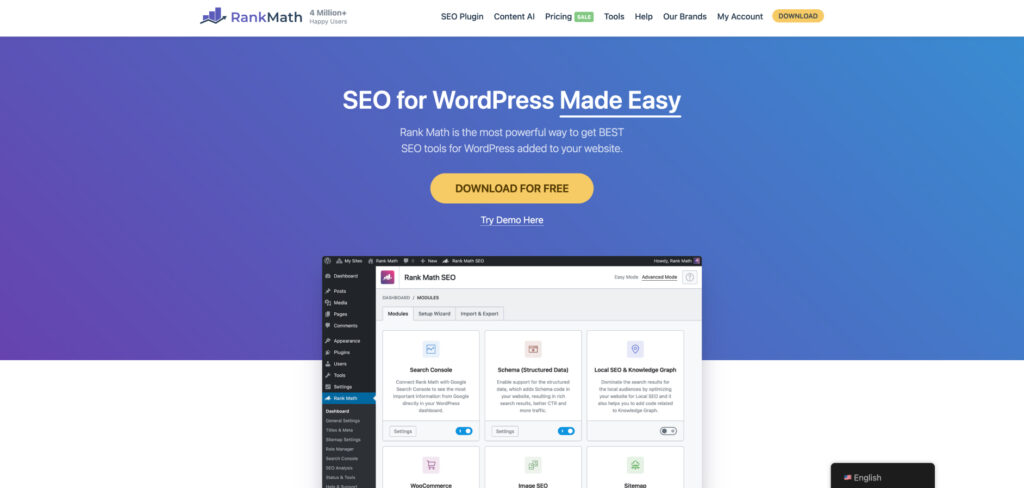
Pricing: Free plan · Pro from about $7.99/mo billed annually (roughly $72–$86/yr) · Business about $24.99/mo · 30-day money-back guarantee
If your blog runs on WordPress — and most do — a good SEO plugin is non-negotiable, and Rank Math gives away more in its free tier than competitors charge for. It guides your on-page optimization as you write, generates clean schema markup, manages sitemaps and redirects, and keeps the technical side tidy without you touching code. For many bloggers the free version is genuinely all they ever need.
Pro adds advanced schema, multi-keyword tracking, and the in-dashboard rank tracker that makes it stand out, though the separate Content AI add-on runs on credits and has drawn complaints about renewal billing. Worth knowing before you upgrade, but the core plugin remains a blogger favorite for good reason.
Consider Rank Math if:
Skip Rank Math if:
Analyzes the top-ranking pages for your target keyword and gives writers real-time, color-coded guidance on terms, headings, and length, with optional AI drafting built in.
Pricing: Essential $99/mo ($79/mo annual) · Scale $219/mo ($175/mo annual). 7-day money-back guarantee
Surfer turns SERP analysis into a live score as you write, which makes it easy for bloggers — even those who don’t think of themselves as SEOs — to hit the marks that correlate with ranking, and increasingly with being cited in AI answers. Its Google Docs and WordPress integrations keep the workflow tight, so you can optimize a draft without copy-pasting between tabs.
As search shifts toward AI Overviews, optimizing for topical completeness rather than keyword stuffing matters more than ever, and Surfer’s guidance pushes you in exactly that direction. For bloggers publishing regularly, it shortens the research-to-draft loop without sacrificing quality — though the monthly cost is harder to justify if you only post occasionally.
Consider Surfer SEO if:
Skip Surfer SEO if:
Turns a target keyword into a SERP-driven brief and a fast first draft — research, outline, and writing in one affordable tool aimed squarely at solo creators.
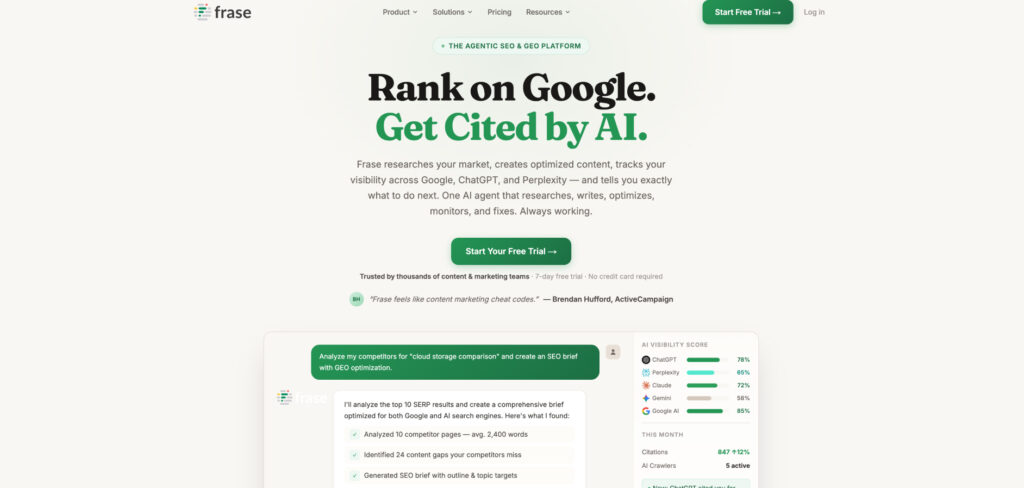
Pricing: Starter $49/mo ($39 annual) · Professional $129/mo ($103 annual) · Scale $299/mo. 7-day free trial, no card required
Frase scans the top results for your keyword — including People Also Ask — and uses topic modeling to clarify intent, outline the sections readers expect, and reveal content gaps. A real-time content score then guides word count, headings, and coverage as you write, while the built-in AI writer speeds up the drafting itself. For a blogger working solo, it scaffolds an article from research to first draft without handoffs.
Pricing has climbed from its bargain-basement origins, so older reviews quoting cheaper plans are out of date, but it remains one of the more affordable ways to get serious briefs and optimization in a single tool. Just watch the article allowances on lower tiers if you publish a lot.
Consider Frase if:
Skip Frase if:
Home to the industry’s largest, freshest backlink index, plus strong keyword, content, and site-audit tools — the platform to reach for when links and competitor gaps matter.
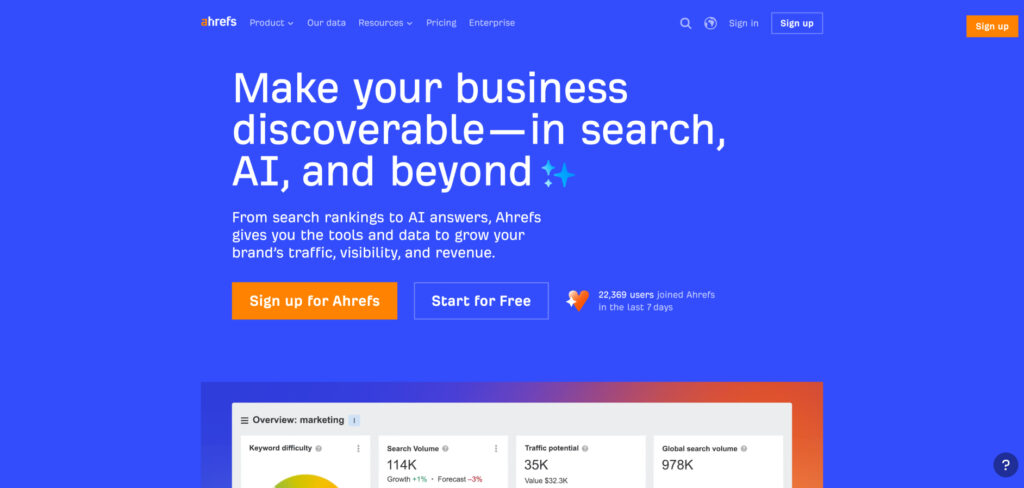
Pricing: Lite/entry plans about $99–$129/mo · Standard $249/mo. Free Ahrefs Webmaster Tools for verified sites of your own
Ahrefs built its reputation on the biggest and most up-to-date backlink index in the business, and that data advantage still holds in 2026. For a blogger, it’s the tool that answers the questions other tools can’t: who’s linking to my competitors, which of their pages pull the most traffic, and where are the content gaps I could fill. Its Content Explorer and keyword tools are first-rate too.
The appeal is depth; the catch is cost. Ahrefs is a premium tool, and the free Webmaster Tools tier only covers sites you own and verify. It makes the most sense once link building and competitor analysis become a real part of your strategy rather than an occasional curiosity.
Consider Ahrefs if:
Skip Ahrefs if:
Visualizes the questions, prepositions, and comparisons people search around a topic — a fast way to surface the angles and subtopics your readers actually want answered.
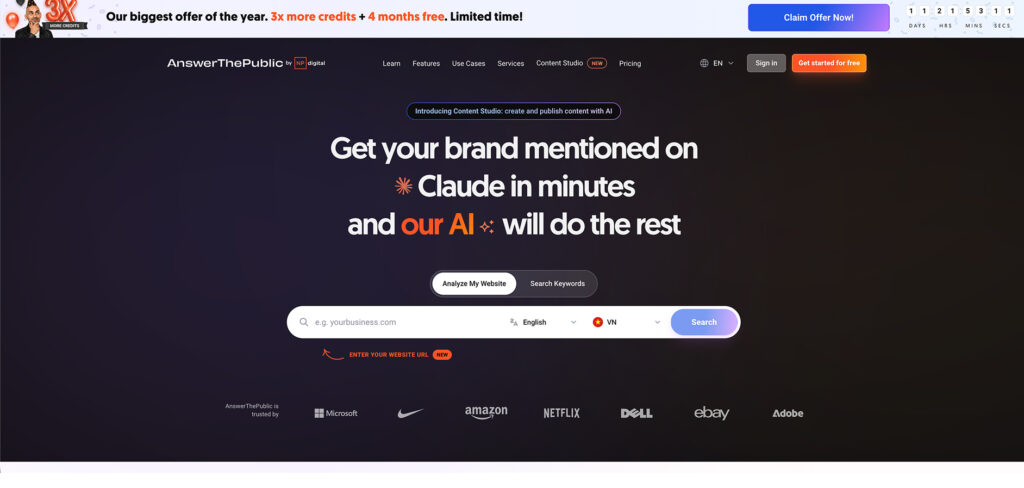
Pricing: Free with limited daily searches · paid Individual, Pro, and Expert plans (monthly or annual), plus occasional lifetime deals
AnswerThePublic takes a single seed keyword and fans it out into a map of real searches — who, what, why, how, versus, near — pulled from autocomplete data. For a blogger, that’s a goldmine of content angles and FAQ sections, and it pairs neatly with the rise of AI answers, which reward pages that comprehensively address the questions people ask.
It’s a research starter rather than a full SEO suite: it won’t tell you a keyword’s difficulty or track your rankings, so you’ll want to validate the best ideas in a tool like Mangools or LowFruits. But for breaking a topic open into dozens of post ideas, few tools are faster.
Consider AnswerThePublic if:
Skip AnswerThePublic if:
Neil Patel’s budget-friendly tool for keyword ideas, traffic estimates, and content suggestions, with a generous free daily allowance and rare one-time lifetime plans.
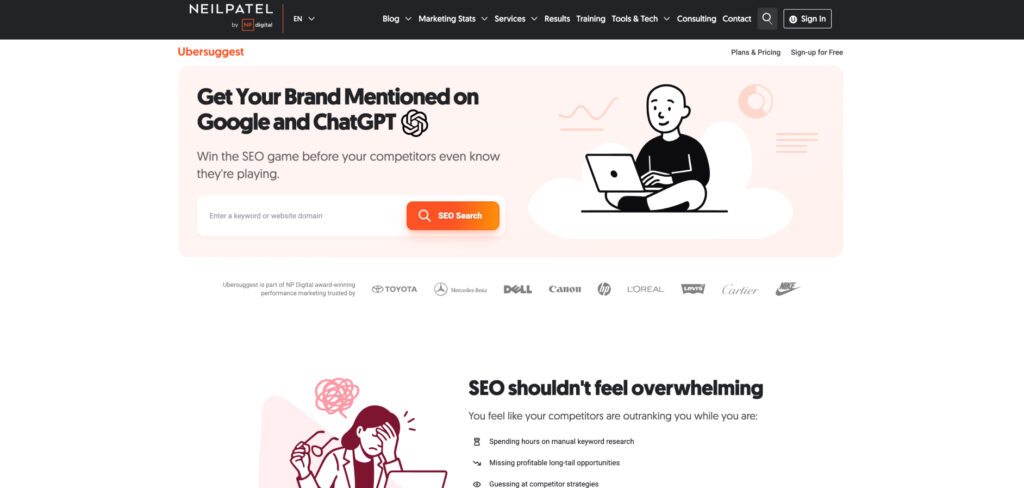
Pricing: Free with limited daily searches · paid plans from about $12/mo · one-time lifetime options available
Ubersuggest is the tool many bloggers start with because it asks for so little: a handful of free searches a day, a clean interface, and keyword, traffic, and content ideas without the firehose of data the big suites throw at you. Its content-ideas and site-audit features are handy for a one-person blog finding its feet.
Its data isn’t as deep or fresh as Ahrefs or Semrush, and free limits are tight, but the rare lifetime plans make it one of the few serious tools you can buy once and keep. For early-stage bloggers who want directional answers cheaply, it’s a sensible stepping stone.
Consider Ubersuggest if:
Skip Ubersuggest if:
Free, first-party data from Google on how your blog actually performs in search — the foundation every site should connect before spending a dollar on paid tools.
Pricing: Free
Every blog should be using Google Search Console, full stop. It’s the only tool that shows you Google’s own view of your pages — which queries you appear for, where you rank, your click-through rates, and what’s stopping pages from being indexed. As Google folds AI Overviews into results, that performance data increasingly reflects AI-surfaced impressions too, giving you a free read on your visibility.
It won’t track ChatGPT or Perplexity, suggest keywords, or analyze competitors. But paired with a free keyword tool and a content tool, it forms a genuinely capable no-cost foundation — and it’s the single most important account to set up before you publish another post.
Consider Google Search Console if:
Skip Google Search Console if: