
TOOLS

10 Best SEO Reporting Tools in 2026

A freelancer sending one monthly PDF to a single client has very different needs than an agency assembling branded dashboards for thirty accounts — or an in-house team trying to prove SEO’s contribution to revenue in a board deck.

The right SEO reporting tool for you depends on your budget, how many clients or sites you manage, and what the report has to prove: where you rank, how traffic is trending, whether the work is paying off, or all of it at once in a single white-labeled view. And in 2026 a credible report increasingly has to stretch beyond Google’s blue links to traffic from AI Overviews and answer engines too.

No single tool nails every job. So we’ve rounded up the best of the best — from all-in-one agency platforms and multi-channel dashboards to forecasting suites, dedicated rank-tracking reporters, and free essentials — for every kind of team and every kind of client.

Find the right SEO reporting tool for your needs

Our picks at a glance

  • Best all-in-one agency reporting platform – AgencyAnalytics
  • Best for multi-channel marketing reporting – Whatagraph
  • Best real-time KPI dashboards – Databox
  • Best simple automated dashboards – DashThis
  • Best for forecasting and business impact – SEOmonitor
  • Best for rank-tracking accuracy – AccuRanker
  • Best reporting inside a full SEO suite – Semrush My Reports
  • Best affordable all-in-one with reporting – SE Ranking
  • Best for local SEO reporting – BrightLocal
  • Best free starting point – Looker Studio


| Best all-in-one agency reporting platform

TOP PICK

AgencyAnalytics

A reporting-first platform built from day one for agencies, pulling SEO, PPC, social, and analytics data into fully white-labeled client dashboards and scheduled reports.
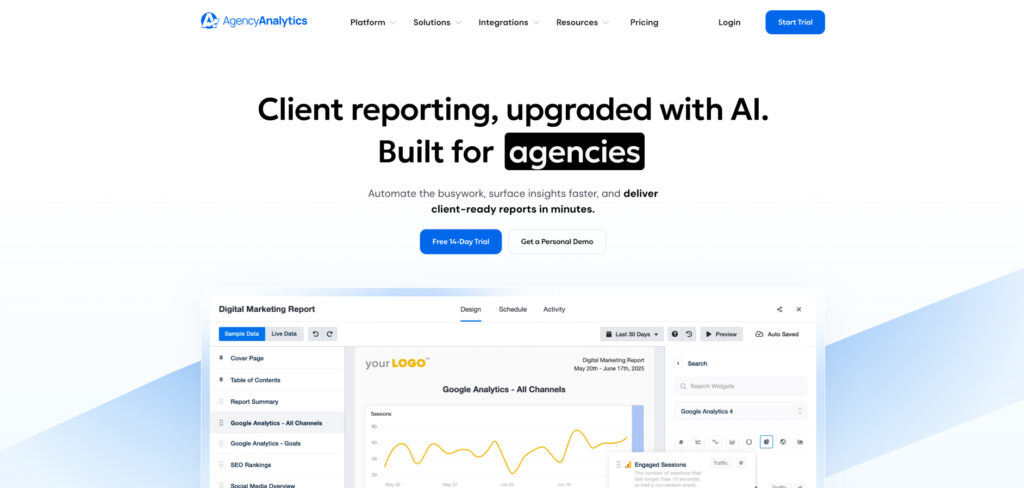
AgencyAnalytics's Homepage

Visit Website ->

Pricing: Freelancer from $79/mo (5 client campaigns) · additional clients ~$20/mo each · Agency and Agency Pro tiers scale to ~$479/mo · 14-day free trial

If your bottleneck is the monthly reporting grind, AgencyAnalytics is usually the fastest way out of it. It connects to the platforms agencies actually use — Search Console, GA4, Google and Meta Ads, and dozens of rank trackers — and assembles the data into clean, drag-and-drop dashboards a client can read without a tutorial. White-label controls put your own logo, domain, and branded email on everything.

The draw in 2026 is breadth of integrations paired with genuine ease of use: more than 80 connectors feed templated reports you can clone across accounts and send on a schedule, which is what lets it scale to fifty-plus clients without burying your team. Automated delivery and a client portal mean a report mostly builds and sends itself once it’s set up.

The catch is the pricing model. AgencyAnalytics charges per client campaign, so costs climb as your roster grows — a twenty-client agency can easily run several hundred dollars a month — and the richest features sit on the higher tiers. A free trial makes it easy to size before you commit.

Consider AgencyAnalytics if:

  • You live in client reporting. Templates, scheduling, portals, and white-label are the core of the product, not an afterthought.
  • You manage a growing roster. Cloning a proven report onto a new account takes minutes rather than a rebuild each time.

Skip AgencyAnalytics if:

  • Your client count is high but budgets are thin. Per-campaign pricing adds up fast; a flat-rate tool like DashThis can be cheaper per client at volume.
  • You need heavy data modeling. For custom blending and calculated metrics, a BI-style tool like Looker Studio goes further.

| Best for multi-channel marketing reporting

TOP PICK

Whatagraph

A visual reporting platform that blends SEO with paid, social, and email into polished cross-channel reports, with strong automation and AI-assisted branding.
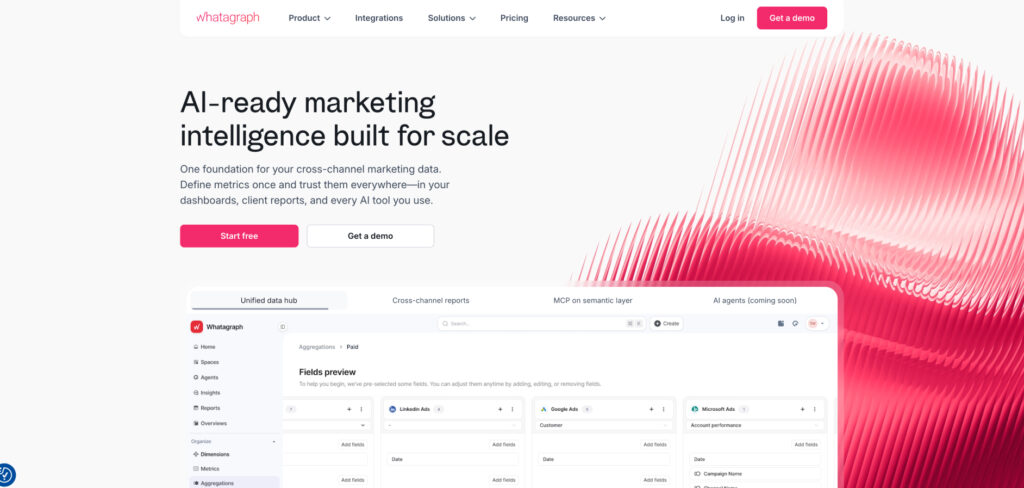
Whatagraph's Homepage

Visit Website ->

Pricing: Plans from roughly $249/mo · white-label and higher data volumes on upper tiers (Boost ~$463/mo) · free trial

Whatagraph is the pick when SEO is only one chapter of the story you have to tell. It’s built around aggregating many sources — organic, paid, social, email — into a single branded report, and its template and theming system, including AI-generated brand themes, makes those reports look designed rather than dumped out of a connector.

For agencies, the value is consistency at scale: build a report once, apply a client’s branding in seconds, and let automated delivery handle the monthly cadence. Cross-channel blending means a client sees how organic search sits alongside everything else they’re paying you for — often a more persuasive story than an SEO-only export.

Consider Whatagraph if:

  • You report across many channels. Its strength is tying SEO to paid, social, and email in one coherent view.
  • Presentation matters. The theming and white-label tools produce reports that look like a designed deliverable.

Skip Whatagraph if:

  • You only need SEO. A focused SEO-suite report or a leaner dashboard tool will cost less for the same job.
  • You’re price-sensitive at low volume. Entry pricing sits above simpler dashboard builders like DashThis.

| Best real-time KPI dashboards

TOP PICK

Databox

A KPI dashboard platform connecting 130+ data sources, built for live, executive-ready scorecards and goal tracking rather than static monthly PDFs.
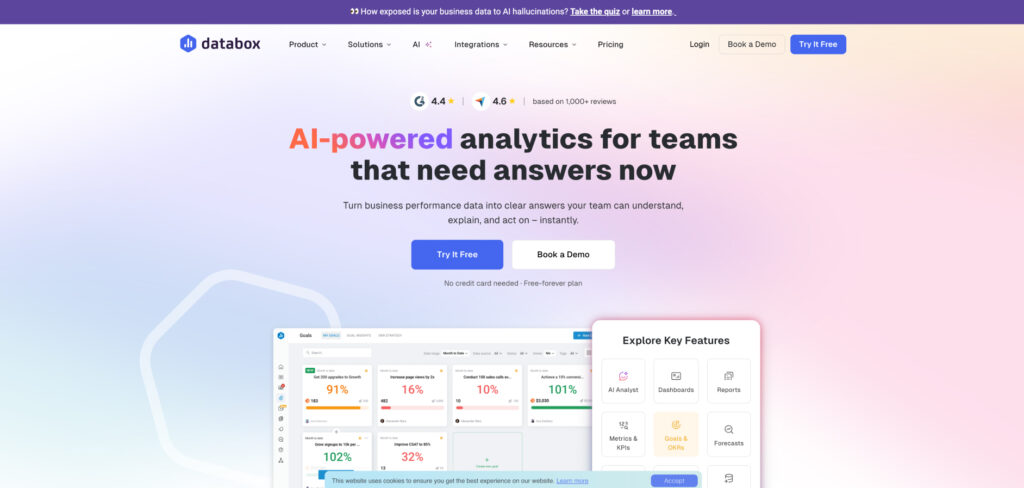
Databox's Homepage

Visit Website ->

Pricing: Free plan available · paid plans from about $59/mo · Agency tiers with white-label scale higher · free trial

Databox shines when the question is “how are we doing right now” rather than “what happened last month.” It pulls metrics from a huge range of sources into live dashboards and screen-ready scorecards, with goal tracking and alerts that flag when a number moves. For execs and internal teams that want a glance-and-go view, it’s hard to beat.

A generous free tier makes it an easy place to start, and white-label options on the agency plans let you present those live dashboards under your own brand. It’s less about templated client PDFs than about always-on monitoring — though it can produce scheduled snapshots too.

Consider Databox if:

  • You want live, not monthly. Real-time dashboards and alerts suit teams watching KPIs continuously.
  • You’re testing the waters. The free plan covers a lot before you pay anything.

Skip Databox if:

  • You need packaged client PDFs at scale. A reporting-first tool like AgencyAnalytics is built more around that deliverable.
  • Your sub-account needs are heavy. Multi-client management is thinner than on dedicated agency platforms.

| Best simple automated dashboards

TOP PICK

DashThis

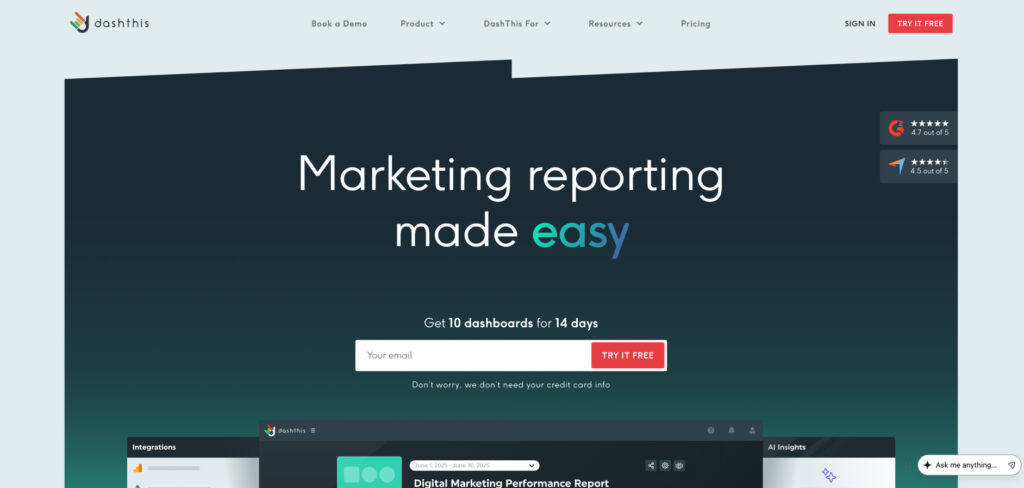
A no-frills dashboard builder focused on speed and simplicity, turning connected sources into clean client reports in minutes.
DashThis's Homepage

Visit Website ->

Pricing: From $49/mo · Professional ~$149/mo · higher tiers to ~$479/mo · white-label from the Professional plan · 15-day free trial

DashThis strips reporting down to the essentials: connect your sources, drop in pre-built widgets, and a client-ready dashboard comes together fast. For agencies that found bigger platforms heavier than they needed, that focus on speed is the whole appeal.

Its pricing scales by the number of dashboards rather than per client, which can make it the most cost-effective option for high-volume agencies running many low-touch accounts. The trade-off is fewer integrations and less customization than richer tools — but for straightforward monthly reporting that’s often exactly enough.

Consider DashThis if:

  • You run many clients at lower fees. Dashboard-based pricing keeps the per-client cost low at volume.
  • You want setup in minutes. Templates and widgets get a report out the door fast.

Skip DashThis if:

  • You need deep customization. Design and data-blending options are lighter than Whatagraph or a BI tool.
  • You rely on niche integrations. Its connector list is shorter than AgencyAnalytics or Databox.

| Best for forecasting and business impact

TOP PICK

SEOmonitor

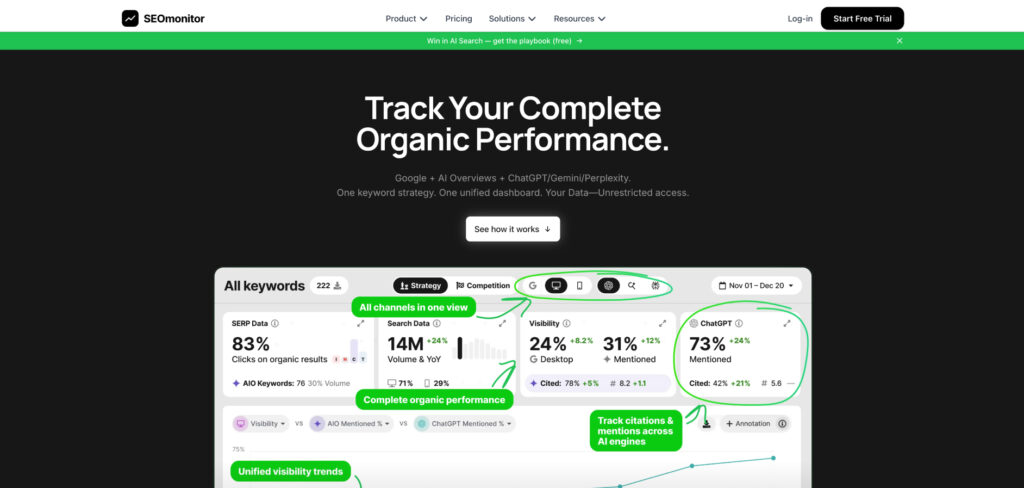
A forecasting-first SEO platform that ties rankings and traffic to projected outcomes, built for agencies that need to frame SEO in business terms.
SEOmonitor

Visit Website ->

Pricing: From about $105/mo, usage-based · scales by tracked keywords and features

SEOmonitor stands out by answering the question clients really ask: what will this investment return? Alongside accurate rank tracking and visibility metrics, it models forecasts and scenarios, so a report can show projected traffic and the business case behind a campaign rather than just last month’s positions.

That makes it a favorite for agencies pitching and defending retainers, where tying effort to a credible forecast wins clients and keeps them. It has also added tracking for AI Overviews and LLM visibility, so the forecasting story now stretches into answer-engine traffic too.

Consider SEOmonitor if:

  • You sell on ROI. Forecasting and scenario modeling turn a report into a business case.
  • You pitch and defend retainers. Projections help justify spend to skeptical clients.

Skip SEOmonitor if:

  • You just need a dashboard. If you only want to aggregate and present data, a reporting tool is simpler and cheaper.
  • You’re a hobbyist or tiny site. The forecasting depth is more than a single small site usually needs.

| Best for rank-tracking accuracy

TOP PICK

AccuRanker

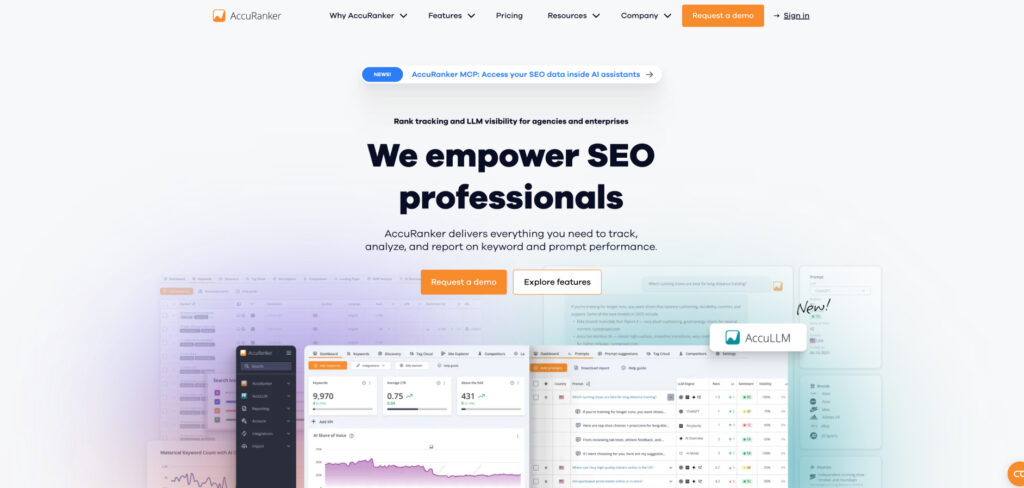
A dedicated rank tracker prized for fast, accurate daily updates and on-demand refreshes, with clean reporting and white-label exports.
AccuRanker's Homepage

Visit Website ->

Pricing: From $249/mo (around 2,000 keywords) · scales by keyword volume · free trial

When the number on the report has to be right, AccuRanker is the specialist teams reach for. It’s built around precise, daily keyword tracking with on-demand refresh, so you can pull a current position the moment a client asks rather than waiting for the next scheduled crawl.

It integrates with Search Console and Analytics, supports white-label reports, and handles large keyword sets without slowing down. The cost is the catch: starting around $249/mo, it’s priced for agencies and businesses that specifically need rank accuracy at scale, not for casual tracking.

Consider AccuRanker if:

  • Rank accuracy is non-negotiable. Daily updates and instant refresh are its core strength.
  • You track large keyword sets. It stays fast where lighter trackers lag.

Skip AccuRanker if:

  • You want all-in-one reporting. It’s a focused tracker, not a multi-source dashboard.
  • Budget is tight. The entry price is steep for what is essentially one job.

| Best reporting inside a full SEO suite

TOP PICK

Semrush My Reports

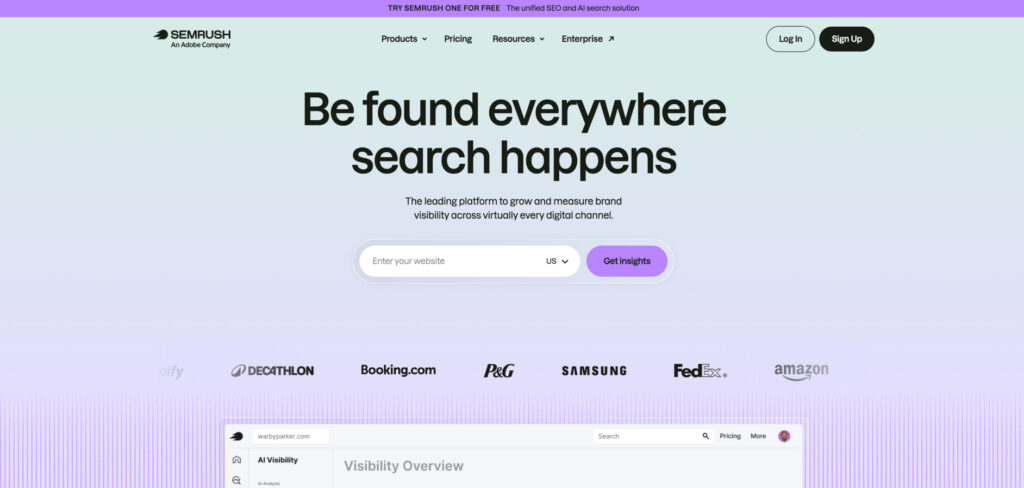
Semrush’s built-in report builder, turning the suite’s keyword, ranking, audit, and competitor data into scheduled, white-labeled client reports.
Semrush's Homepage

Visit Website ->

Pricing: Semrush Pro $139.95/mo · Guru $249.95/mo · Business $499.95/mo · My Reports included on paid tiers (white-label on higher plans) · free trial

If your team already lives in Semrush, My Reports is the path of least resistance. It pipes the platform’s own ranking, audit, backlink, and competitor data straight into drag-and-drop reports, so there’s no second subscription and no exporting between tools.

You can schedule recurring delivery, fold in other sources like GA4 and Search Console, and white-label the output on higher tiers. It won’t match a dedicated reporting platform for cross-channel breadth, but for SEO-centric reporting built on data you already trust, the consolidation is hard to argue with.

Consider Semrush My Reports if:

  • You already use Semrush. Reporting on data you already have avoids another tool and login.
  • SEO is the main story. The suite’s own metrics fill most of an SEO report out of the box.

Skip Semrush My Reports if:

  • You report heavily across channels. A dedicated tool like Whatagraph blends non-SEO sources more gracefully.
  • You don’t need the full suite. Paying for Semrush just for reporting is overkill — a standalone dashboard is cheaper.

| Best affordable all-in-one with reporting

TOP PICK

SE Ranking

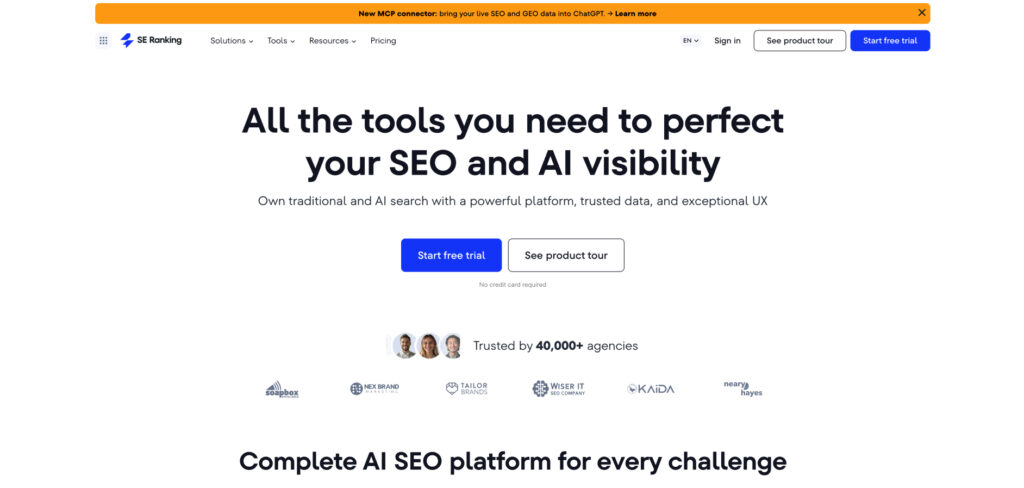
A budget-friendly SEO suite that bundles rank tracking, audits, and keyword research with capable client reporting and an optional white-label add-on.
SE Ranking's Homepage

Visit Website ->

Pricing: Essential from ~$52/mo (annual) · Core $103.20/mo (annual) · Agency Pack white-label add-on ~$50–69/mo · 14-day free trial

SE Ranking delivers much of the all-in-one experience at a fraction of the price of the big suites. You get rank tracking, site audits, keyword and competitor research, plus a report builder that generates unlimited customizable reports — a strong base for agencies and freelancers watching costs.

White-label reporting and a client portal come via the Agency Pack add-on rather than the base plan, so factor that in if you serve clients. Even with it, the total tends to undercut Semrush or Ahrefs while covering most of the same reporting ground.

Consider SE Ranking if:

  • You want suite features on a budget. It covers tracking, audits, and reporting for less than the majors.
  • You’re a freelancer or small agency. The entry tier is a credible, affordable starting point.

Skip SE Ranking if:

  • You need white-label out of the box. That sits behind a paid add-on, not the base plan.
  • You manage very high volumes. Keyword and project limits on lower tiers fill up as you scale.

| Best for local SEO reporting

TOP PICK

BrightLocal

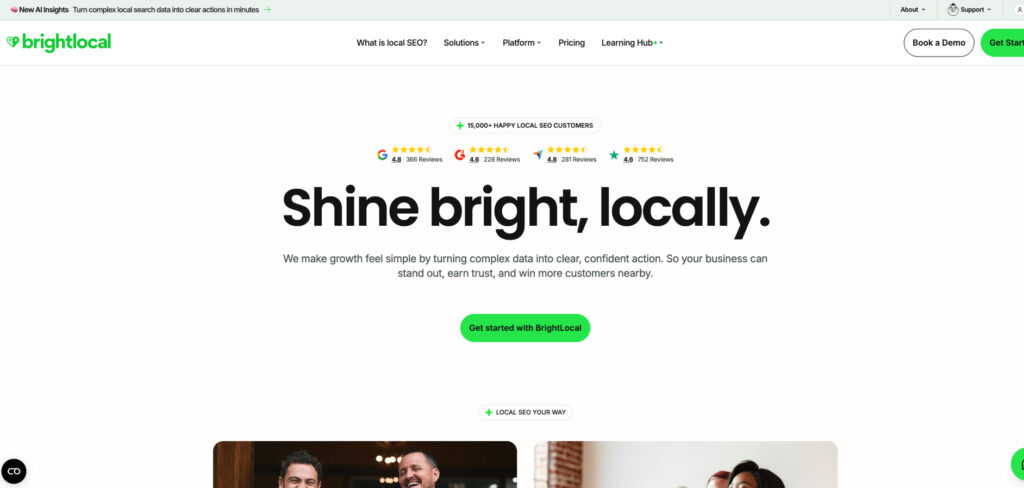
A local-search specialist whose reports cover map-pack rankings, Google Business Profile health, citations, and reviews in one branded dashboard.
BrightLocal's Homepage

Visit Website ->

Pricing: From $39/mo (Track) up to ~$209/mo · roughly $1.95 per location at scale · free trial

For local and multi-location businesses, BrightLocal reports on the things a general rank tracker can’t see. Its Local Search Grid maps visibility across a geographic area, and the same dashboard bundles Google Business Profile monitoring, citation tracking, and review management — the full local picture in one place.

Pricing by location keeps it economical for agencies running many local clients, and branded reports let you deliver it all under your own name. If your reporting is national or non-local, though, a general SEO tool will serve you better.

Consider BrightLocal if:

  • You do local SEO. Map-grid visibility, GBP health, citations, and reviews are reported together.
  • You manage many locations. Per-location pricing scales economically across clients.

Skip BrightLocal if:

  • Your focus is national or organic. A general suite covers broad keyword and traffic reporting better.
  • You need cross-channel reporting. It’s specialized for local search, not paid or social.

| Best free starting point

TOP PICK

Looker Studio

Google’s free dashboard tool, connecting Search Console, GA4, and many other sources into custom, shareable reports — a flexible no-cost foundation.

Visit Website ->

Pricing: Free (Looker Studio Pro available for enterprise governance features)

Every team building reports on a budget should know Looker Studio. It connects directly to Search Console and GA4 — Google’s own first-party data — plus a wide range of other sources, and lets you model metrics and publish interactive dashboards you can share with anyone, all for free.

The trade-off is setup: there are no agency templates, white-label is a workaround rather than a feature, and building a polished report takes effort up front. But once a template exists you can reuse it across clients, and for first-party SEO and traffic reporting it’s a genuinely capable foundation before you spend a dollar.

Consider Looker Studio if:

  • You’re on zero budget. It’s free and connects straight to Google’s own data.
  • Your team can handle setup. Once built, dashboards are flexible and fully reusable.

Skip Looker Studio if:

  • You want turnkey client reporting. Templates, portals, and white-label come standard in paid tools.
  • You need many non-Google sources easily. Some connectors require paid third-party bridges.

How we tested

We approached this guide the way a working SEO or agency actually buys reporting software in 2026 — not by chasing the longest integration list, but by asking which tools save real hours and produce reports that clients and execs actually act on.

We started with more than 30 platforms and narrowed the field to the ones with a meaningful track record, then put the finalists to work building real reports across accounts of different sizes: a single small-business site, a mid-sized agency roster, and a larger multi-location brand. Wherever possible we used live client data over several weeks rather than demo accounts.

We weighed each tool against the same criteria:

  • Reporting quality. How clear, accurate, and presentable the finished reports are — and how little manual cleanup they need.
  • Integrations and data. The range and reliability of connectors, and how closely the numbers matched Search Console and GA4.
  • Automation and scale. Scheduling, templating, and client management that hold up across many accounts.
  • White-label and branding. How completely you can put your own brand on dashboards, domains, and emails.
  • Ease of use. How quickly a newcomer can build something useful without wrestling the interface.
  • Value for money. What you actually pay once trials end and necessary add-ons are included, not just the headline price.

Because pricing and features in this category change often — and reporting tools are adding AI-search metrics fast — we revisit our picks periodically and update prices and recommendations as plans shift.

Bill Nash's face

About the author, Bill Nash

Bill Nash is the CMO of Marketing LTB with over a decade of experience, he has driven growth for Fortune 500 companies and startups through data-driven campaigns and advanced marketing technologies. He has written over 400 pieces of content about marketing, covering topics like marketing tips, guides, AI in advertising, advanced PPC strategies, conversion optimization, and others.