
A cloud-based site audit that crawls your pages against 140+ technical checks — broken links, redirects, duplicate content, crawlability — inside a suite that also handles keywords, backlinks, and rank tracking.
Pricing: Pro $139.95/mo (3 projects, 100k pages crawled) · Guru $249.95/mo · Business $499.95/mo · 7-day free trial
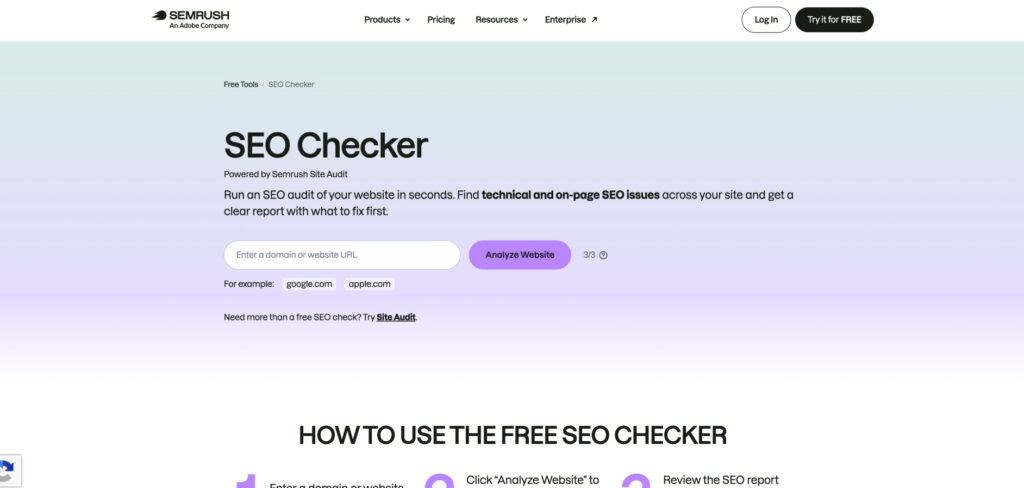
All-in-one platforms are still the Swiss Army knives of search, and in 2026 Semrush is the one that folds a genuinely strong technical audit into an existing suite. Its Site Audit runs more than 140 checks — from crawl depth and HTTPS to hreflang and Core Web Vitals — then groups the issues by severity so you know what to fix first, sitting right alongside the keyword research and competitor analysis teams already rely on. For most marketers, it’s the tool they open first every morning.
The headline in 2026 is breadth without a second subscription: you can move from a technical audit to a keyword report to a backlink check without leaving the platform, and scheduled re-crawls plus white-label reporting tie the story together for clients. Dedicated crawlers like Screaming Frog go deeper on raw technical data, but nothing mainstream matches Semrush for covering audits and the rest of search in one place.
The trade-offs are price and crawl limits. Semrush is among the priciest tools here, the dashboard can overwhelm newcomers, and page-crawl quotas plus extra add-ons can push the bill higher than a leaner desktop tool. A 7-day free trial makes it easy to test before committing.
Consider Semrush Site Audit if:
Skip Semrush Site Audit if:
A fast, visual site auditor backed by the industry’s largest backlink index: it crawls for technical issues, scores site health, and ties on-page problems to the links and pages that matter most.
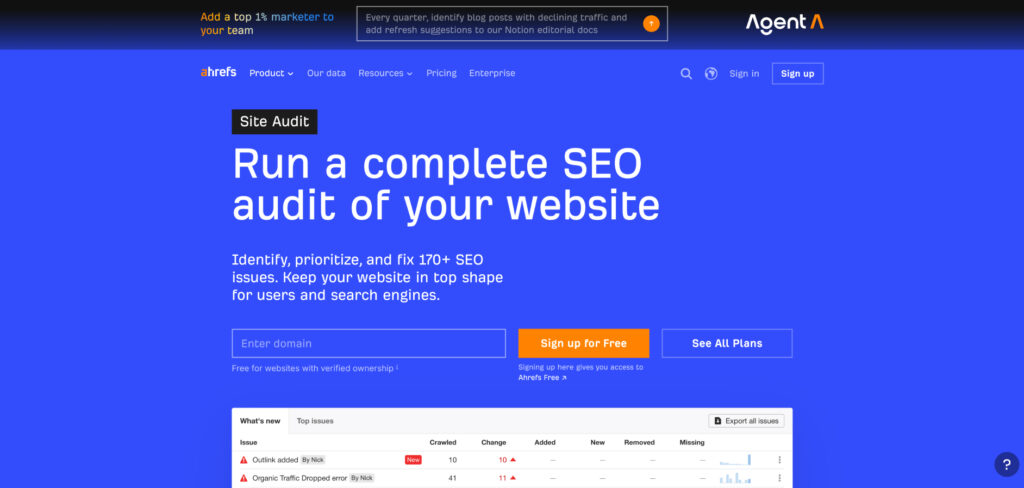
Pricing: Starter $29/mo · Lite $129/mo ($99 annual) · Standard $249/mo ($199 annual) · Advanced $449/mo. Free Webmaster Tools audit for verified sites
When a team needs a technical audit that connects to the bigger picture, Ahrefs is the tool many reach for. Its Site Audit crawler flags broken links, redirect chains, slow pages, and indexability problems, then lets you pivot straight into the backlink and competitor data that explain why a page matters — all from the same crawl.
That link context is what separates it from a plain crawler: it turns a list of errors into a prioritized workflow tied to authority and traffic. Backed by one of the freshest backlink databases in the business, it’s built for teams that treat technical health and off-page strength as two halves of the same job. Note the credit-based model can add up if you pull heavy reports often.
Consider Ahrefs Site Audit if:
Skip Ahrefs Site Audit if:
The industry-standard desktop crawler for deep technical audits — broken links, redirects, duplicate content, metadata, and site structure — at a flat annual price that’s hard to beat.
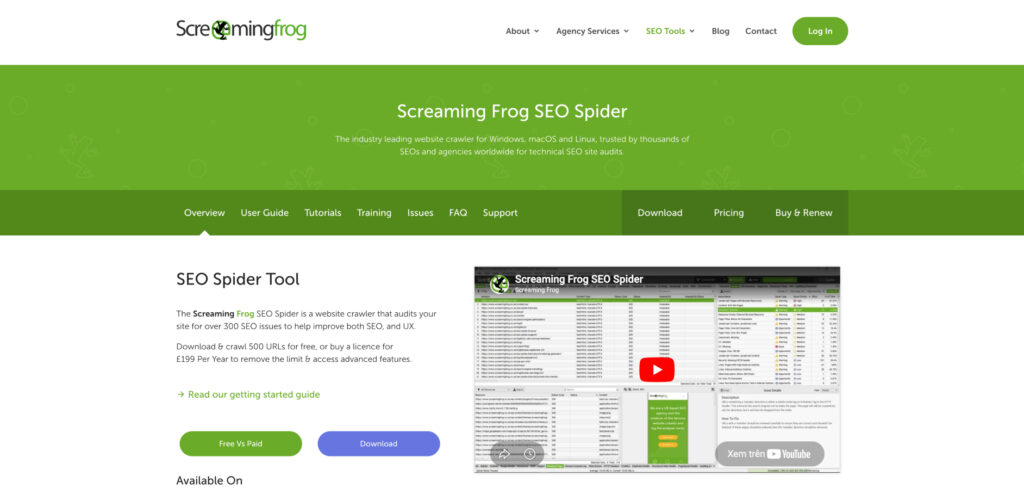
Pricing: Free for up to 500 URLs · Paid license £199/yr (about $279/yr) for unlimited crawling and advanced features
Screaming Frog is the value sweet spot for anyone who wants raw technical data without a monthly subscription. It runs locally on your machine, crawls fast, and surfaces broken links, redirect chains, duplicate titles, and missing tags in minutes — with a generous free tier that covers small sites entirely.
It integrates with Google Search Console and Analytics, renders JavaScript, and exports detailed data for deeper analysis. The catch is the learning curve: the interface is dense and dated, very large sites can strain your local memory, and beginners may find the wall of data overwhelming at first.
Consider Screaming Frog if:
Skip Screaming Frog if:
A crawler built for clarity, favored by agencies and consultants for its guided audits, visual site-structure maps, and plain-English explanations of every issue it finds.
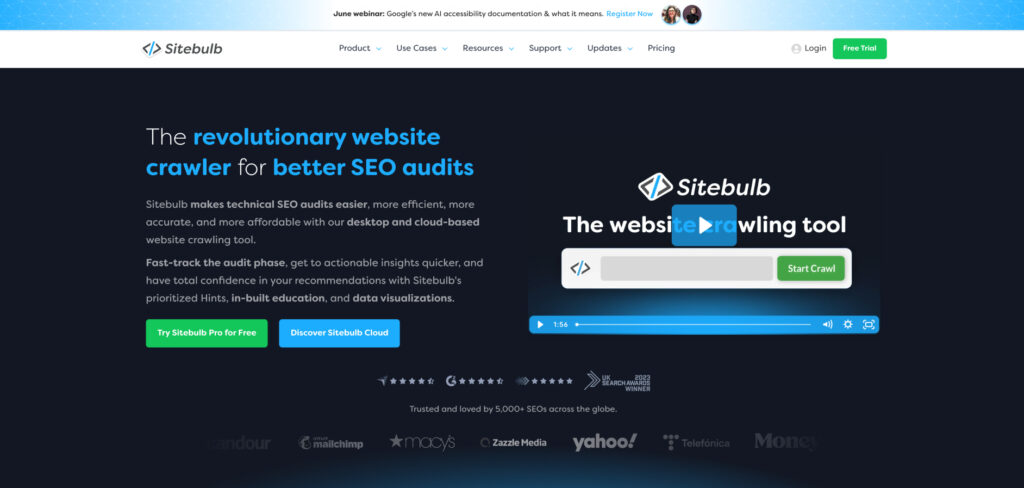
Pricing: Desktop from $18–$42/mo · Cloud from about $125/mo. Free trial available
Sitebulb has become the crawler agencies keep shortlisting when reports go to clients. Its interface is friendly, its audit hints explain not just what’s wrong but why it matters and how to fix it, and its visual crawl maps make site architecture easy for non-technical stakeholders to grasp.
Under the hood it runs a thorough technical crawl comparable to Screaming Frog, but wraps the findings in prioritized, severity-ranked reports rather than raw spreadsheets. Both a desktop version and a native cloud deployment are available, so solo consultants and larger teams can pick the model that fits their workflow and budget.
Consider Sitebulb if:
Skip Sitebulb if:
A surprisingly affordable all-in-one platform with a fast website auditor at its core, plus rank tracking, backlink checks, and keyword research — all at a price that undercuts the premium suites.
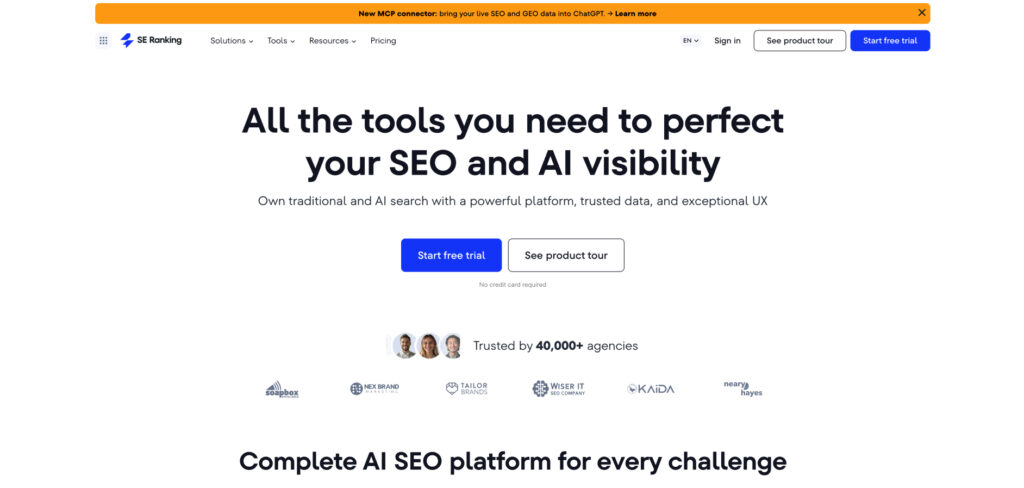
Pricing: Core $103.20/mo (annual) · Pro and Business tiers scale up to about $279/mo · Free trial available
SE Ranking packs a genuinely capable Website Audit into a platform that costs roughly half what Semrush Pro does. Its crawler is lightning fast — capable of combing through more than a thousand pages in a couple of minutes — and flags the usual technical issues alongside on-page suggestions, all wrapped in a clean report builder that’s easy for newcomers to read.
For freelancers and small agencies that want audit, tracking, and reporting in one affordable subscription, it’s one of the best value picks on the market. The trade-off is depth: its database and traffic analysis don’t match the premium suites, and very large sites may outgrow the lower tiers’ limits.
Consider SE Ranking if:
Skip SE Ranking if:
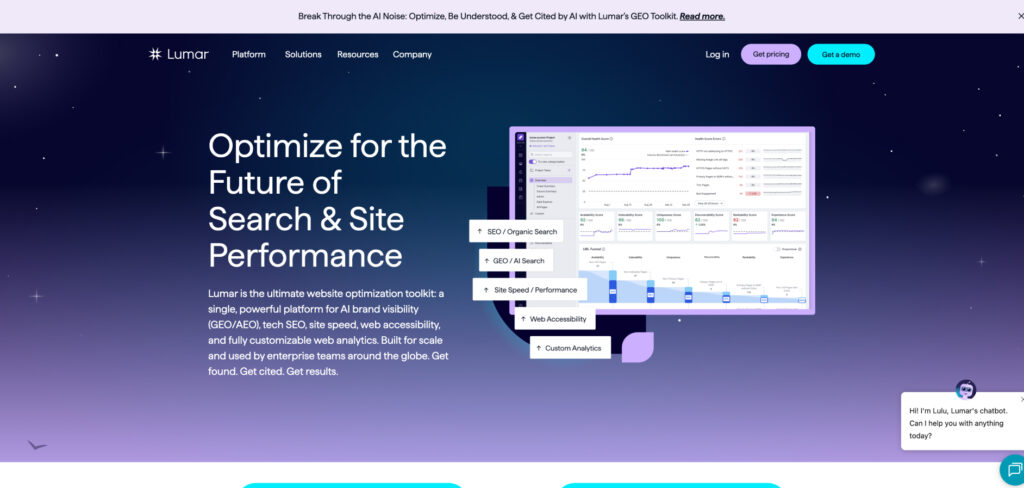
A cloud crawler built for enterprise sites that need scale, pairing high-volume crawling with continuous monitoring, automation, and developer-friendly integrations.
Pricing: Custom pricing scaled to crawl volume and seats · enterprise-focused tiers · demos offered
Lumar (formerly DeepCrawl) is aimed squarely at large organizations that need to crawl hundreds of thousands or millions of URLs without the bottlenecks of a desktop tool. Its cloud architecture handles enterprise-scale sites, monitors for regressions continuously, and can be wired into CI/CD pipelines so technical issues are caught before they ship to production.
What sets it apart for enterprise work is the emphasis on automation and accountability: scheduled crawls, trend tracking, and alerting make technical SEO a repeatable process across large teams rather than a one-off project. For a small site that’s far more power than you need, but for an enterprise protecting rankings at scale it’s a strong fit.
Consider Lumar if:
Skip Lumar if:
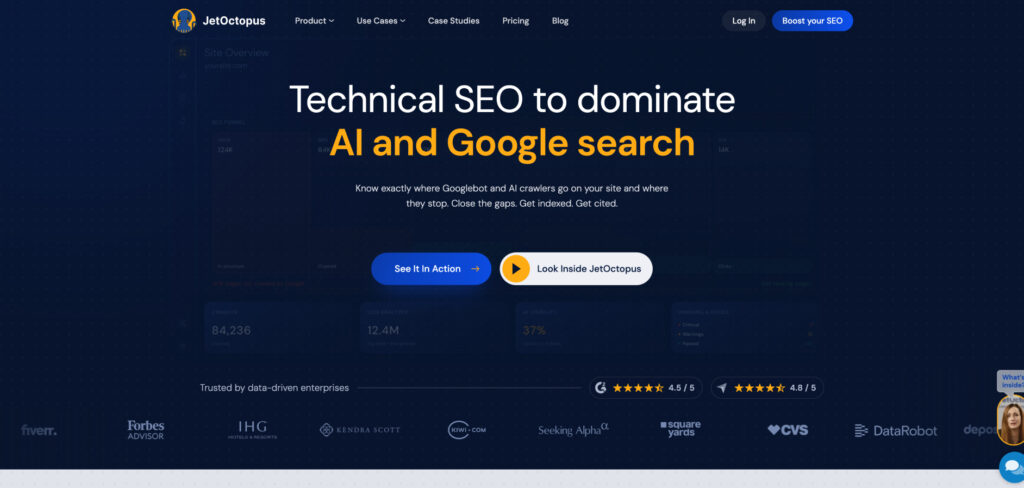
A fast cloud crawler and log-file analyzer favored by large sites for pairing technical crawls with real crawl-budget data drawn from server logs.
Pricing: Plans scale by crawled pages and log volume · mid-market and enterprise tiers · free trial available
JetOctopus focuses on what big sites actually struggle with: crawl budget. Beyond a fast technical crawl, it ingests server log files to show exactly how search engine bots move through your site — which pages they hit, which they ignore, and where budget is wasted — a layer most audit tools skip entirely.
For large, complex sites, that log-file layer turns guesswork into evidence: you can see whether important pages are being crawled at all and prioritize fixes accordingly. JetOctopus won’t hold your hand the way Sitebulb does, but for crawl-budget optimization at scale it’s a reliable workhorse.
Consider JetOctopus if:
Skip JetOctopus if:
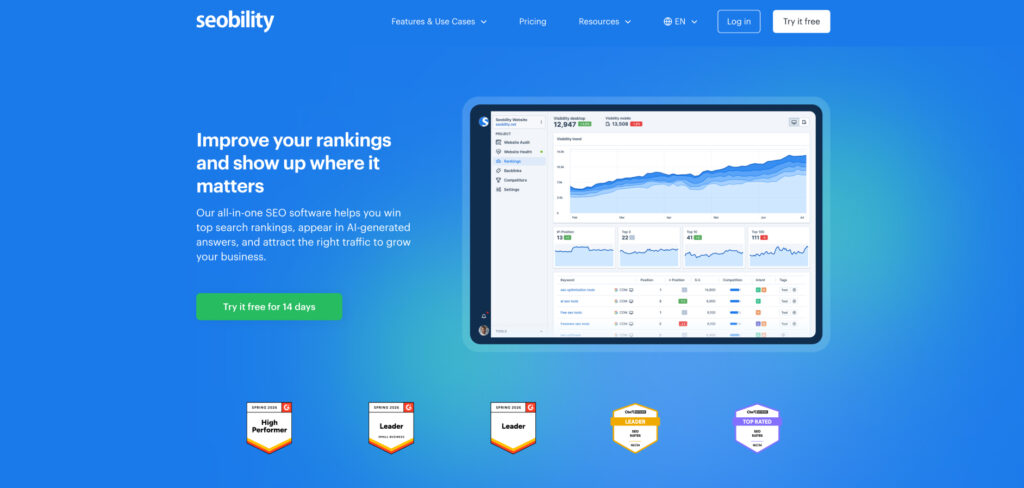
A friendly, beginner-first SEO platform with a clear website audit, on-page checks, and rank tracking — plus a genuinely useful free plan to get started.
Pricing: Free plan available · Premium from about €49.90/mo · higher tiers scale by projects and pages
Seobility built its reputation on being approachable, and that still holds in 2026. Its website audit checks the technical fundamentals — broken links, meta tags, indexability, on-page issues — and explains them in plain language, so a small-business owner with no SEO background can actually act on the results.
The appeal is simplicity and price: a free plan covers a single project, and the paid tier stays well below the premium suites while still bundling audits, on-page analysis, and rank tracking. The catch is depth — its database and crawl limits are modest, so a fast-growing site or a busy agency will eventually outgrow it.
Consider Seobility if:
Skip Seobility if:
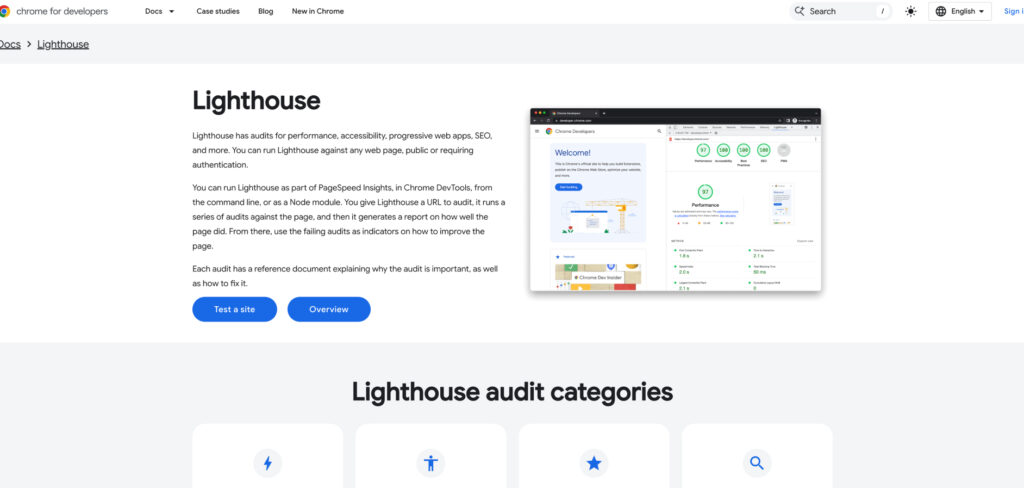
Google’s free, open-source auditor for performance, accessibility, and SEO basics — the definitive way to measure and improve Core Web Vitals, straight from the source.
Pricing: Free · built into Chrome DevTools and PageSpeed Insights, with no account required
Lighthouse runs a page through lab tests for loading speed, interactivity, and visual stability, then scores it and lists concrete fixes. Because the same engine powers PageSpeed Insights, it’s the most authoritative read on Core Web Vitals you can get — the exact metrics Google uses as a ranking signal.
It won’t crawl your whole site or track rankings, so it complements rather than replaces a full audit tool. But for diagnosing why a page is slow and proving the fix worked, it’s free, trustworthy, and built right into the browser you already use — there’s no reason not to run it.
Consider Google Lighthouse if:
Skip Google Lighthouse if:
Free, first-party data from Google on how your site is actually crawled and indexed — the only tool showing Google’s own view of your technical health.
Pricing: Free
Every site should be using Google Search Console, full stop. It’s the only tool that shows you Google’s own view of your pages — which URLs are indexed, which are blocked or erroring, and how the Core Web Vitals and mobile-usability reports look against real field data. No third-party crawler can see what Google actually does with your site; this can.
It won’t crawl your site on demand or flag every duplicate title the way a dedicated tool does. But paired with a free crawler like Screaming Frog and a Lighthouse check, it forms a genuinely capable no-cost audit foundation before you spend a dollar on paid platforms.
Consider Google Search Console if:
Skip Google Search Console if: